Preview: This a preview feature, and remains a work in progress. The following content may be subject to change before full release. If you have any questions regarding this preview feature, please direct them to our support team.
Help hub change log
We’re always working on improving user experience in the Help Hub. The following changes have been made with this improvement in mind:
Drop down text box ‘How to use the Help Hub’
 Drop down text
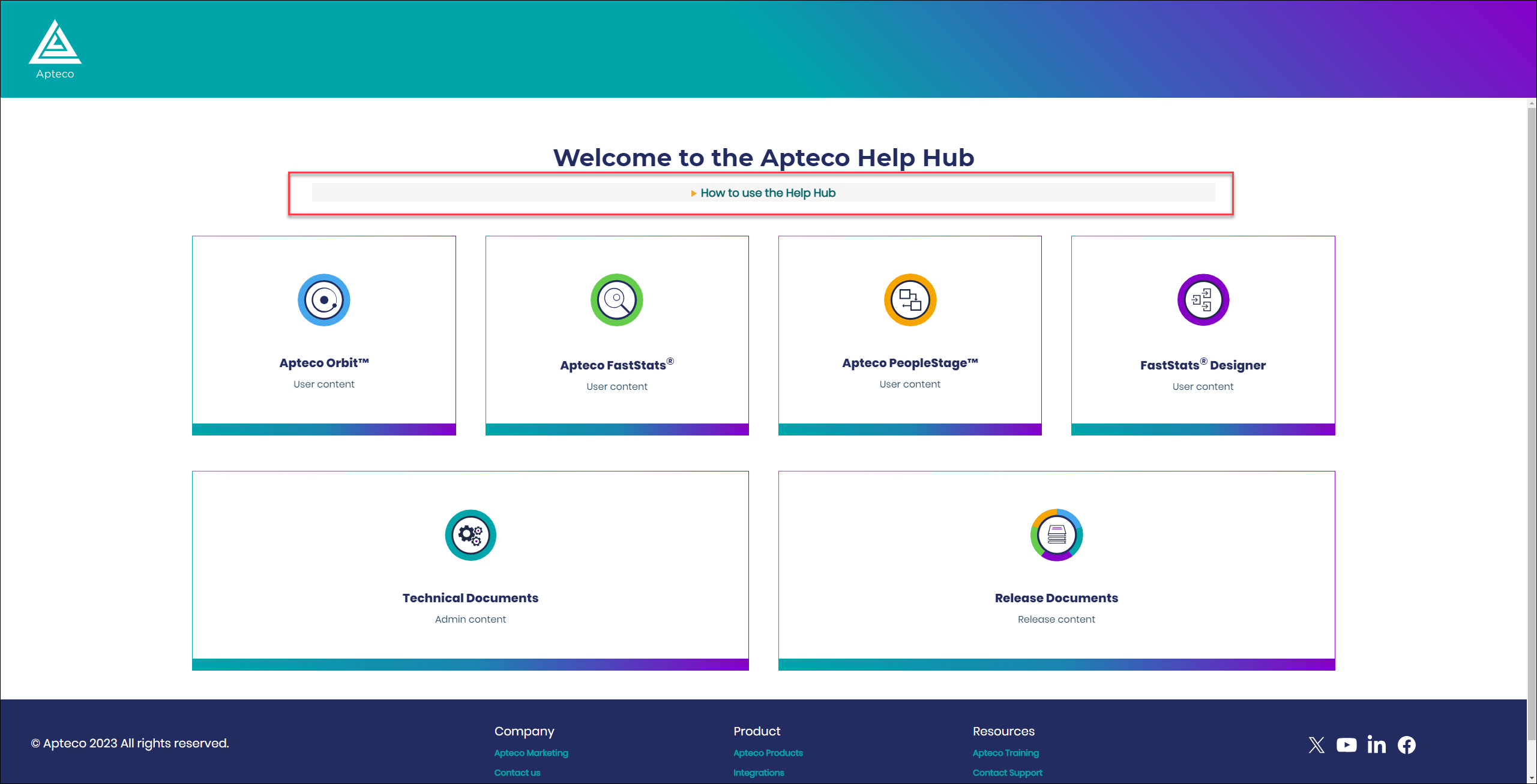
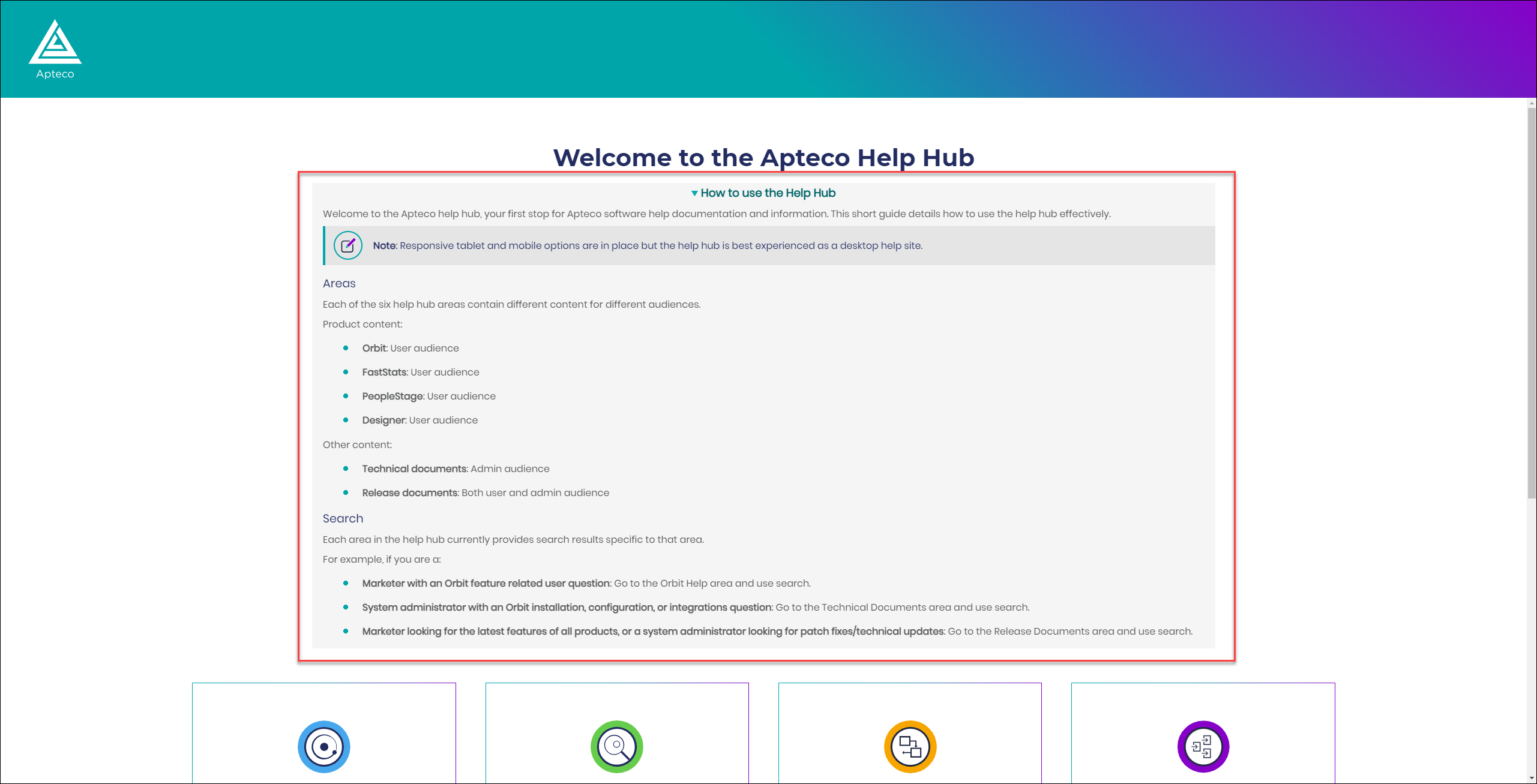
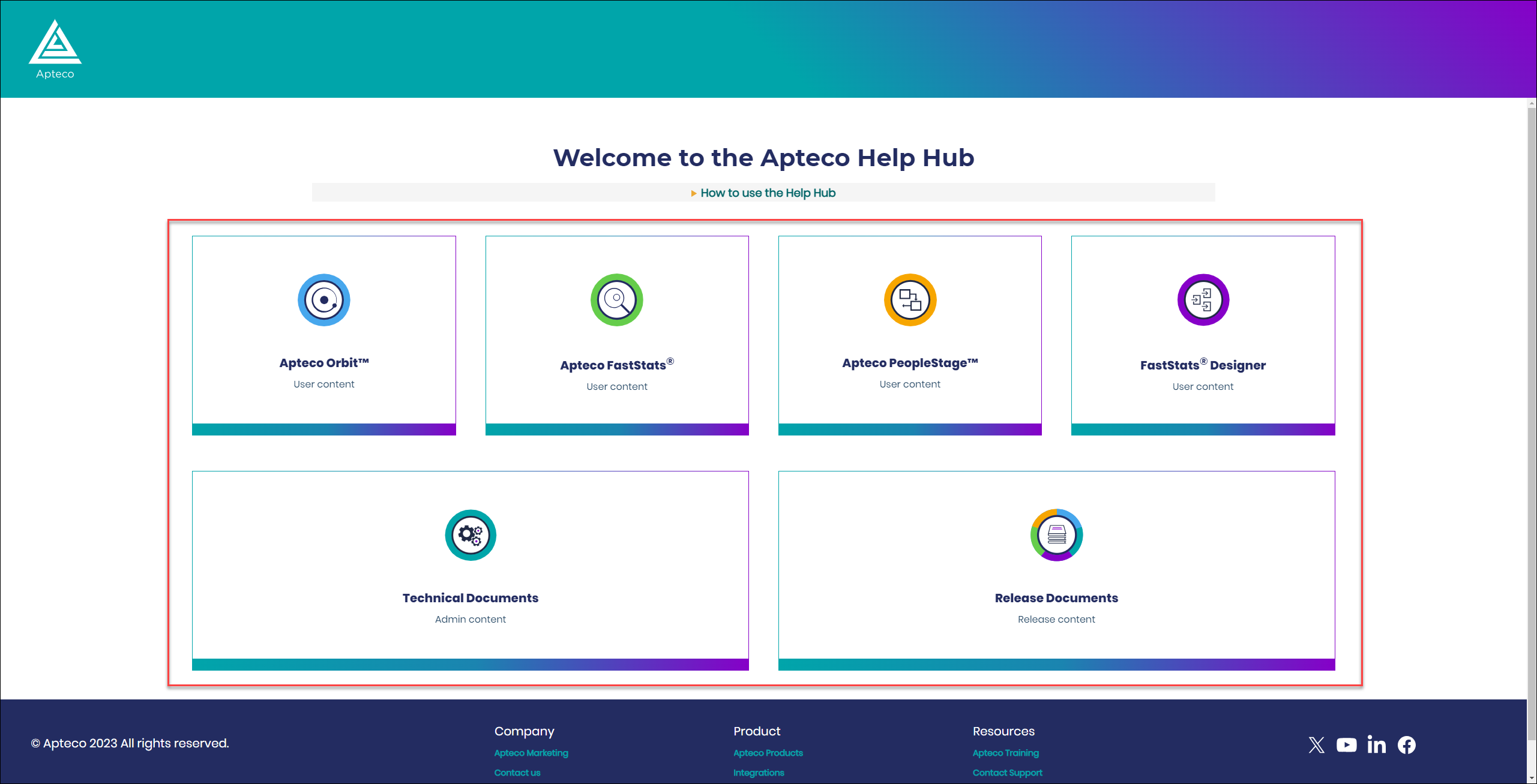
We’ve added a drop down text box on the Help Hub main landing page, detailing that the Help Hub consists of six areas with search results specific to each.
Colours
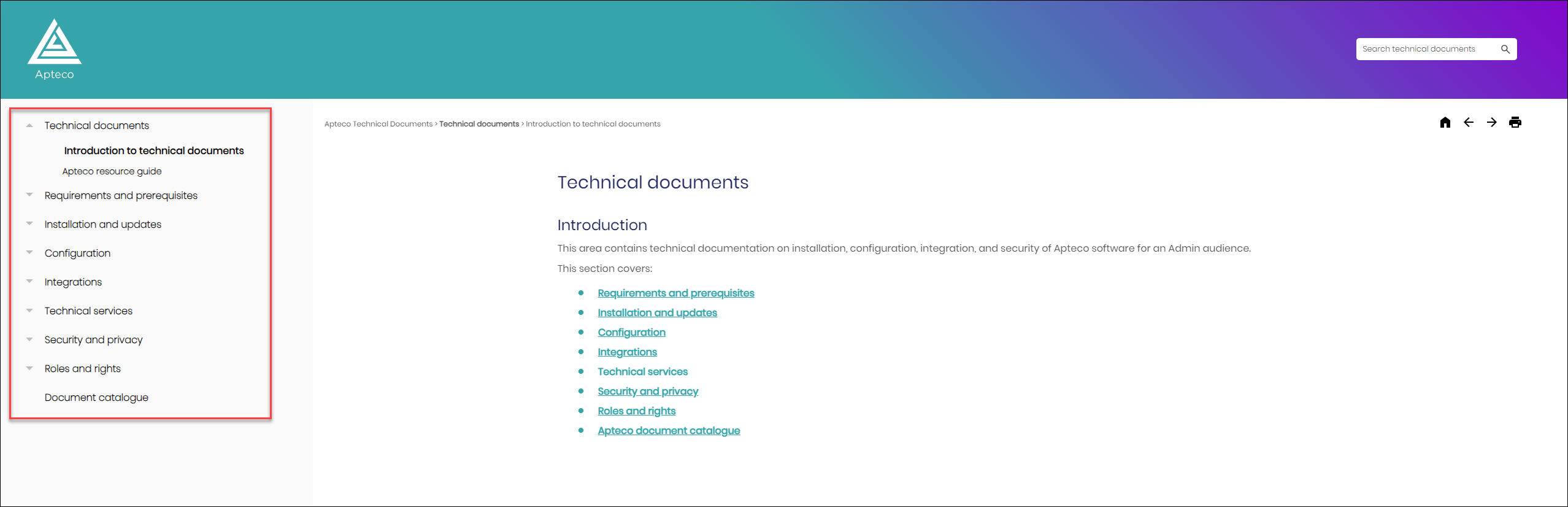
 Side navigation menu background
We’ve changed our side navigation menu for a simpler, cleaner look and feel.
Icons
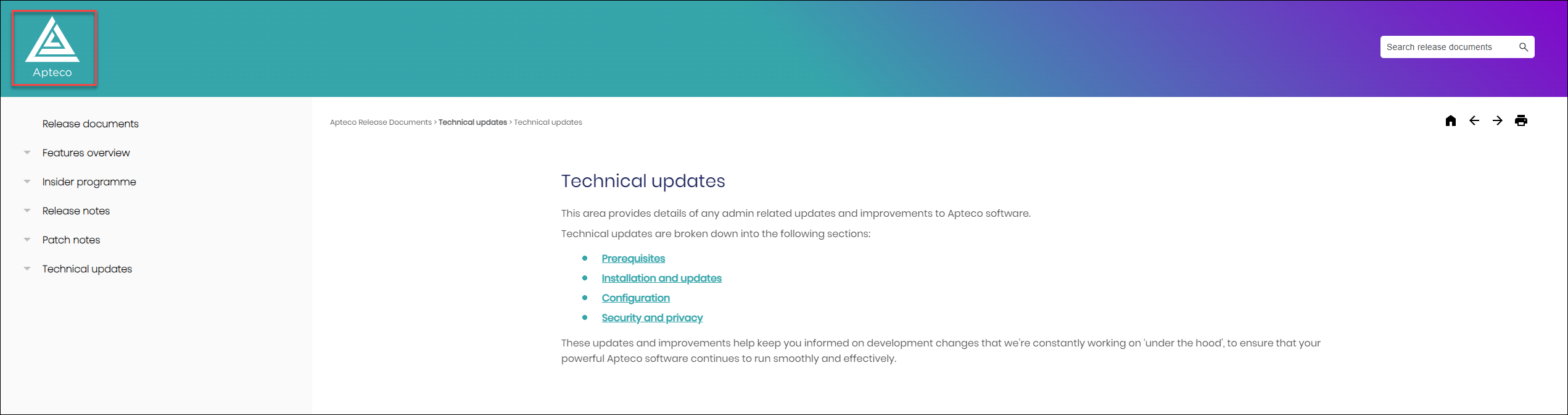
Home icon
We’ve added a new enlarged the Help Hub ‘home’ SVG icon, for better clarity and responsiveness.
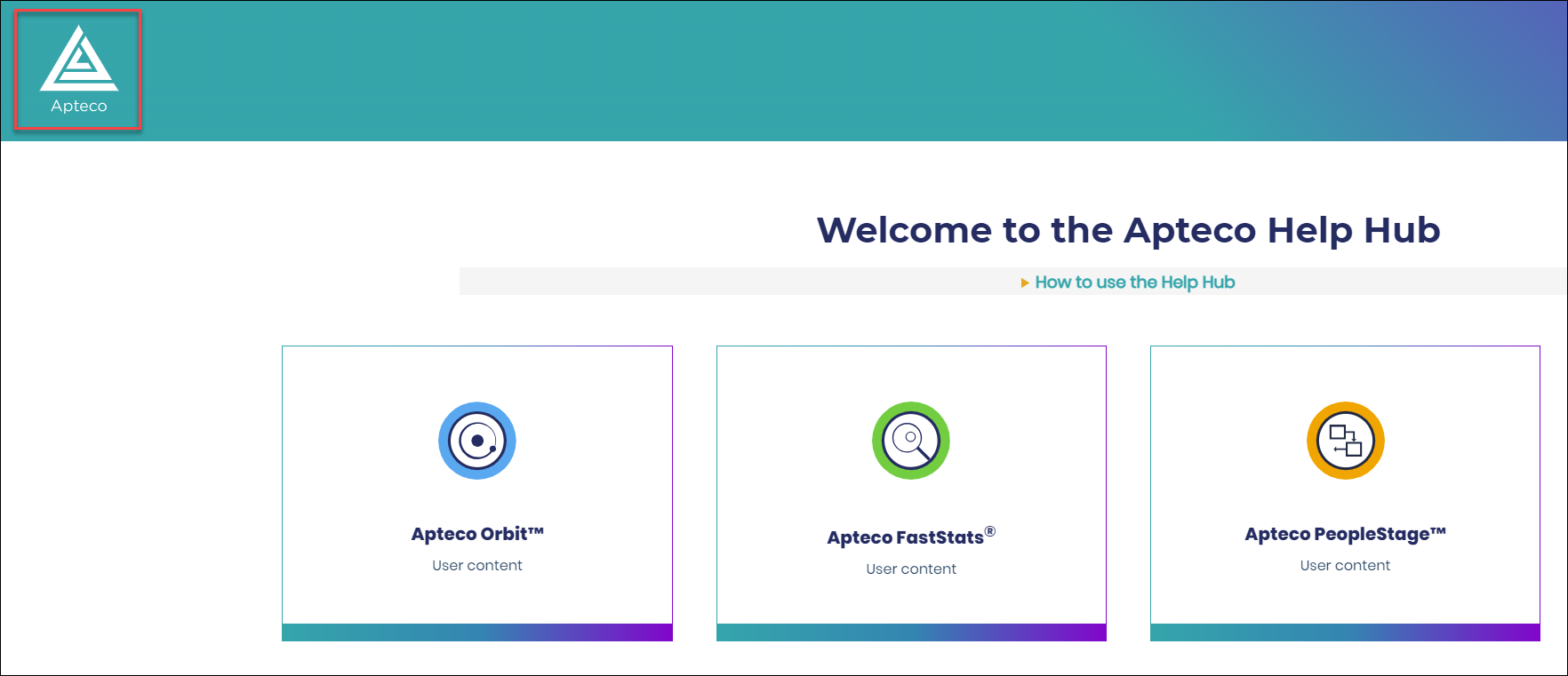
Home icon links
The home icon now links directly to the main Help Hub landing page, no matter where you are in the Help Hub.
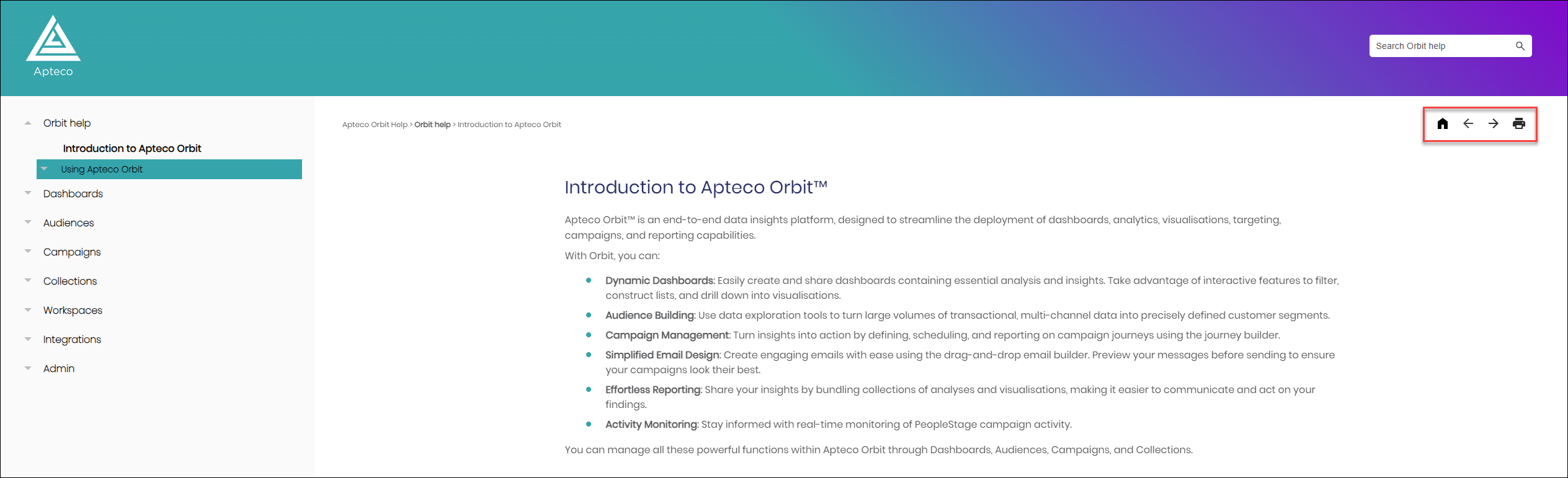
Navigation buttons
We now use a simplified set of Google Material Symbols as navigation buttons within the Help Hub.
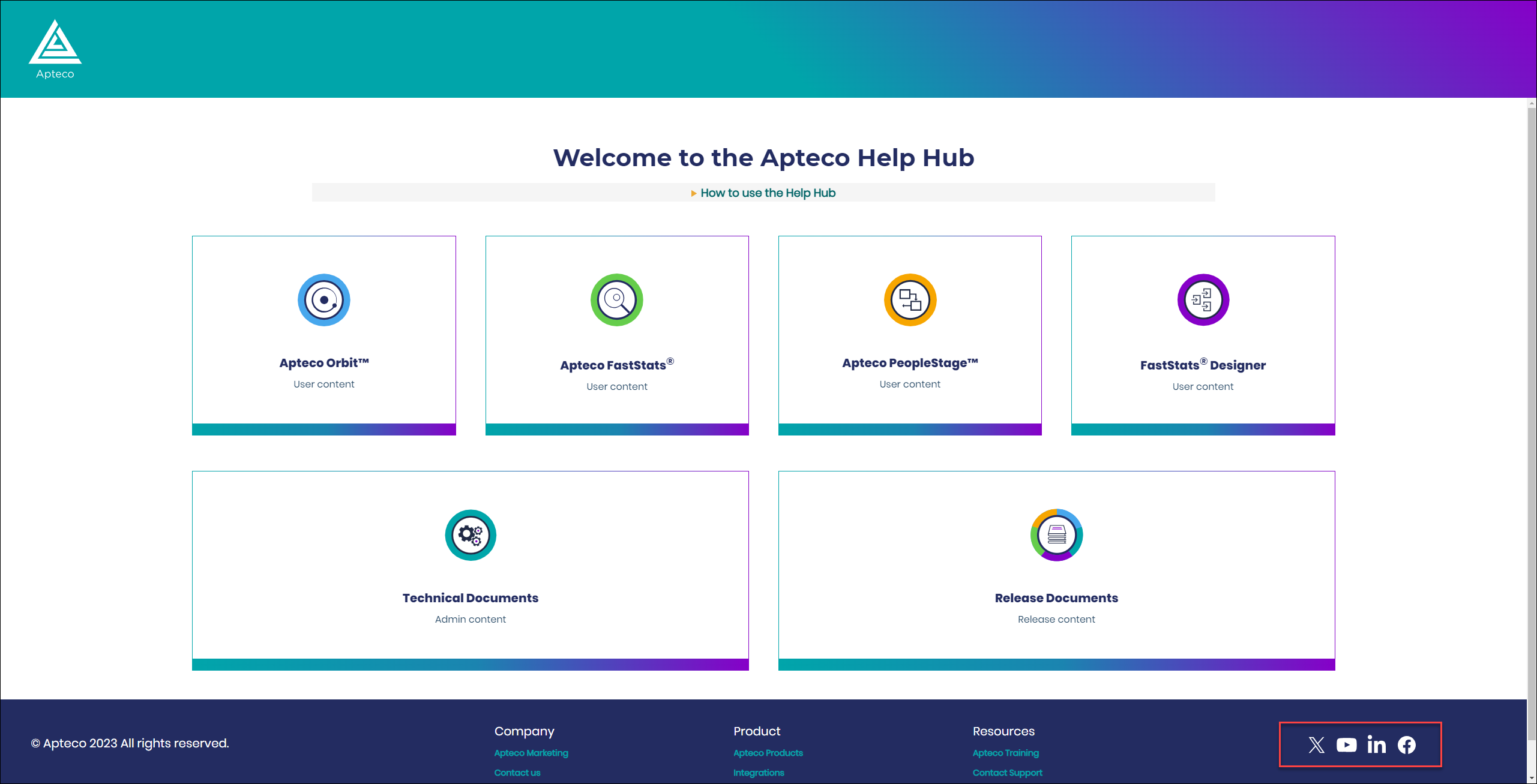
Footer social icons
We’ve updated our social footer SVG icons.
Search
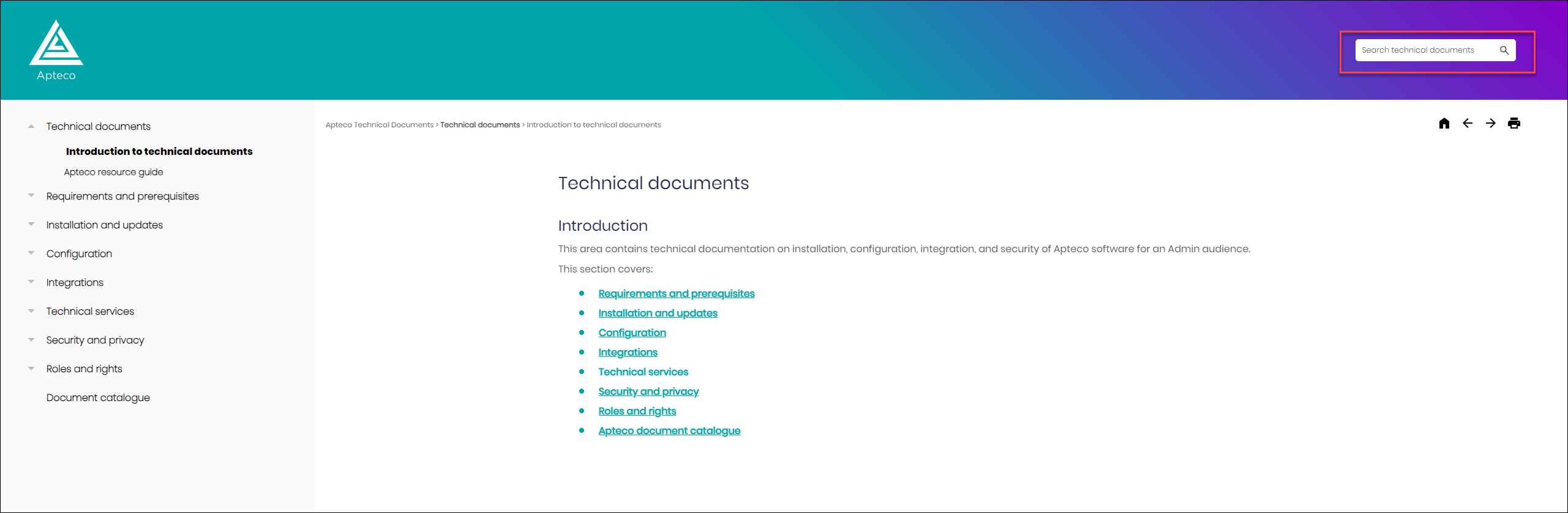
Simplified search bar
We’ve simplified the search bar, using placeholder text to further signpost the area specific search results.
Help Hub area signposting
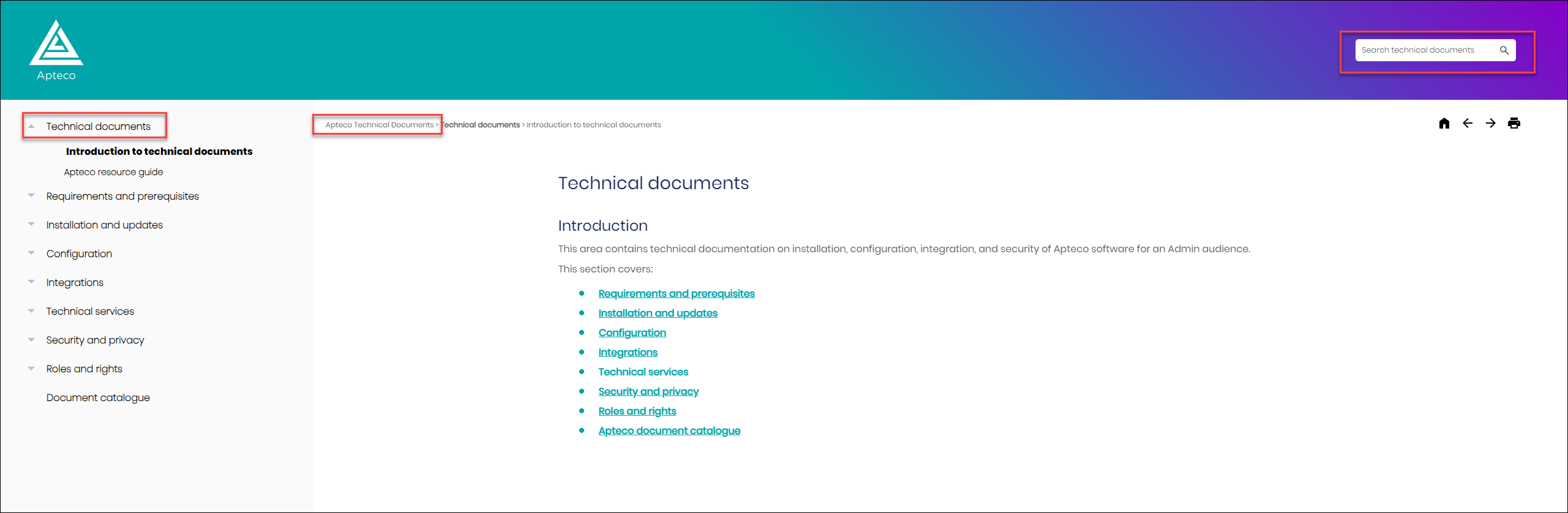
We’ve added signposting to reinforce which area of the Help Hub that you’re in.
Breadcrumbs
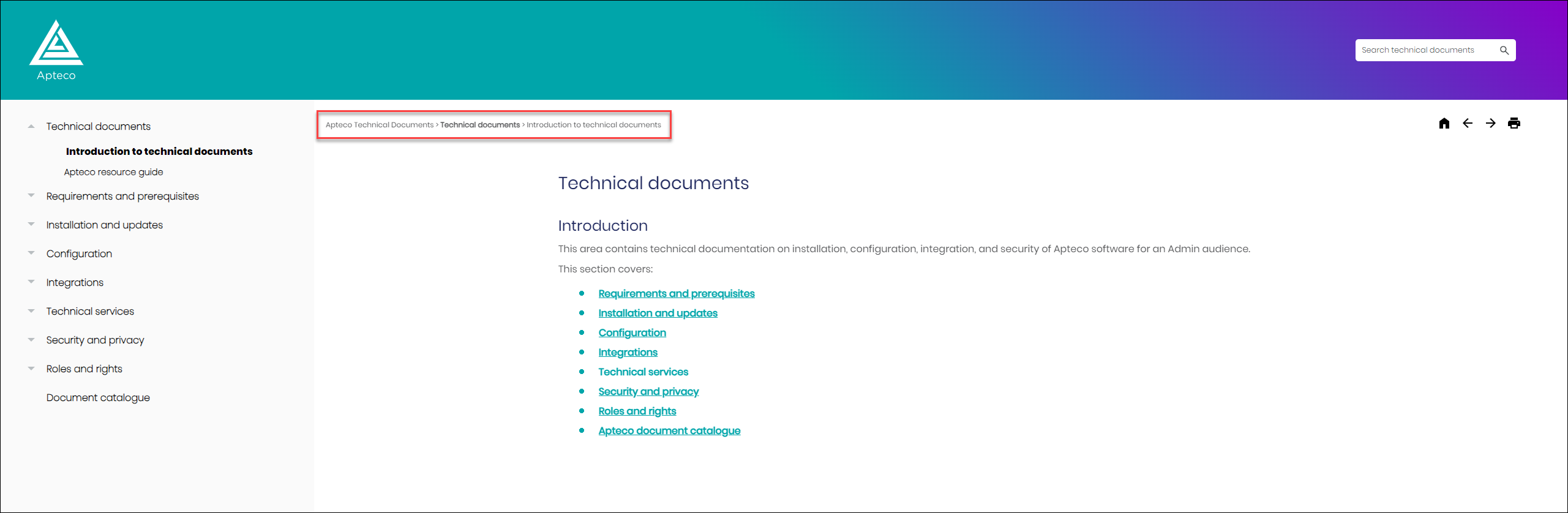
Breadcrumbs consistency
We’ve changed the structure and colour of the breadcrumbs.
Alignment
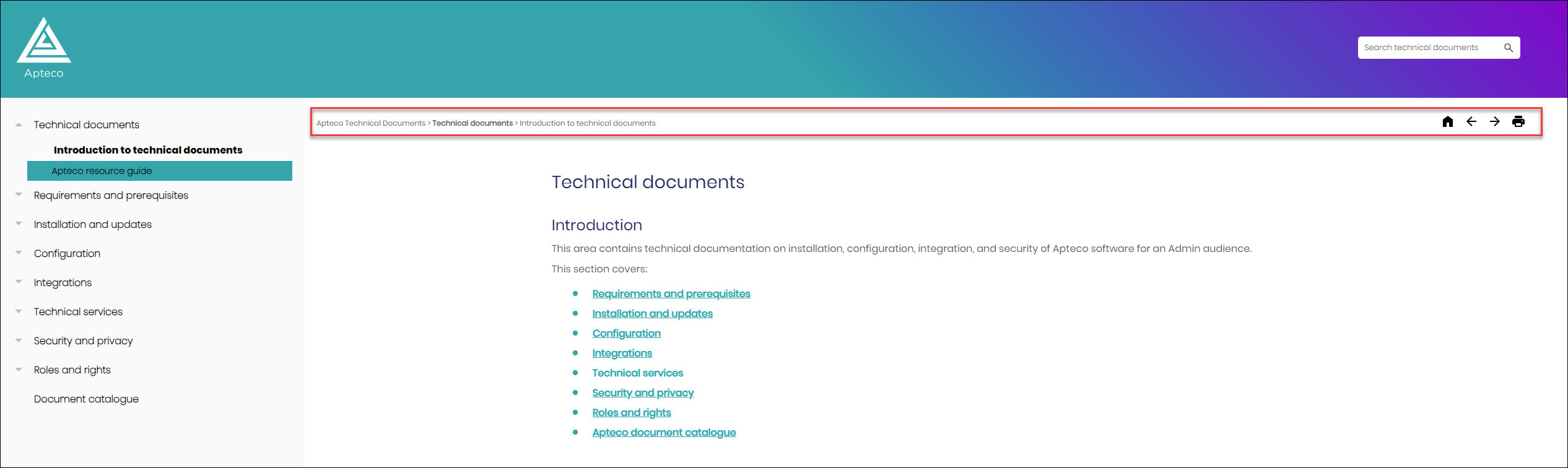
Breadcrumbs and navigation buttons
We’ve aligned our breadcrumb and navigation buttons.
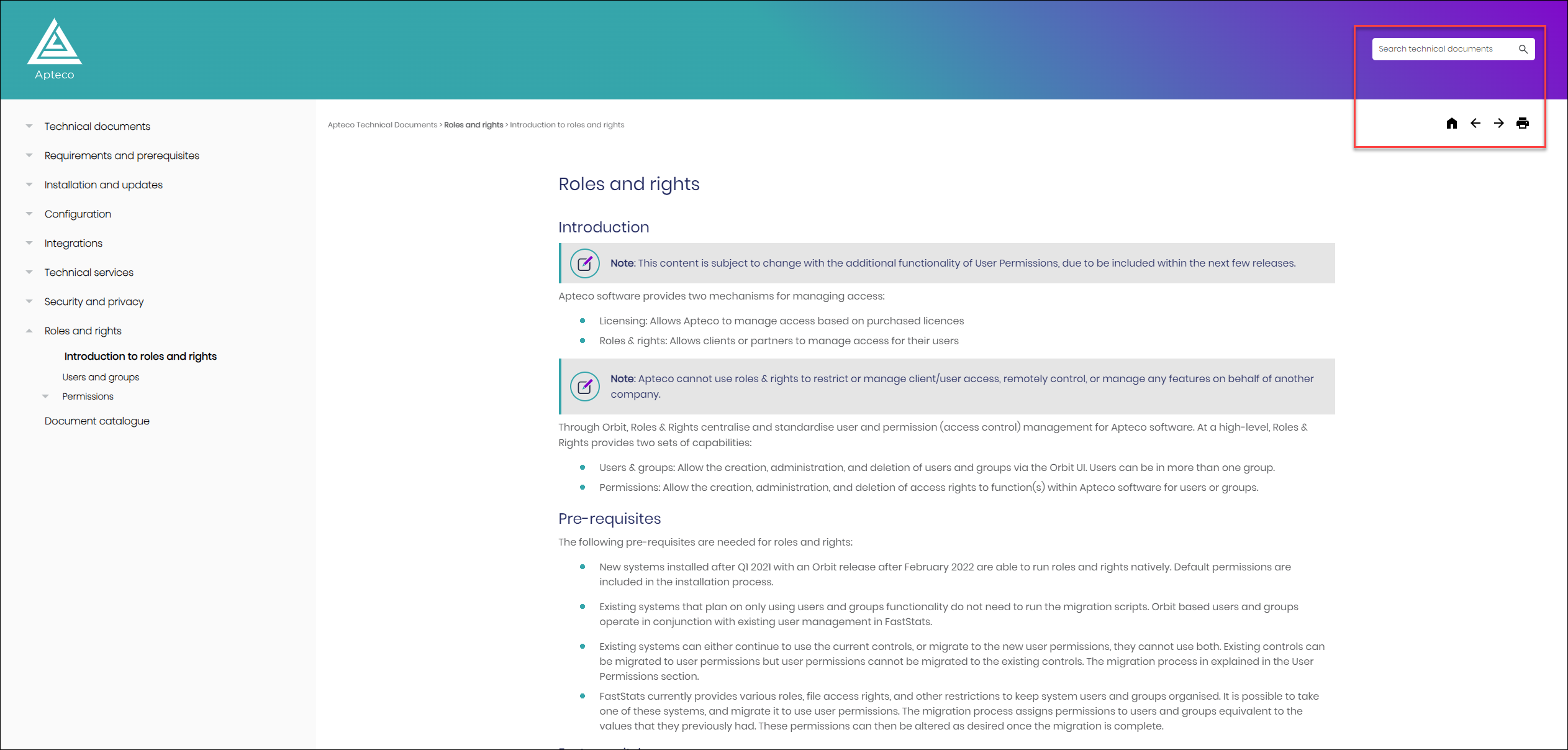
Search box and navigation buttons
We’ve aligned our search bar and navigation buttons.
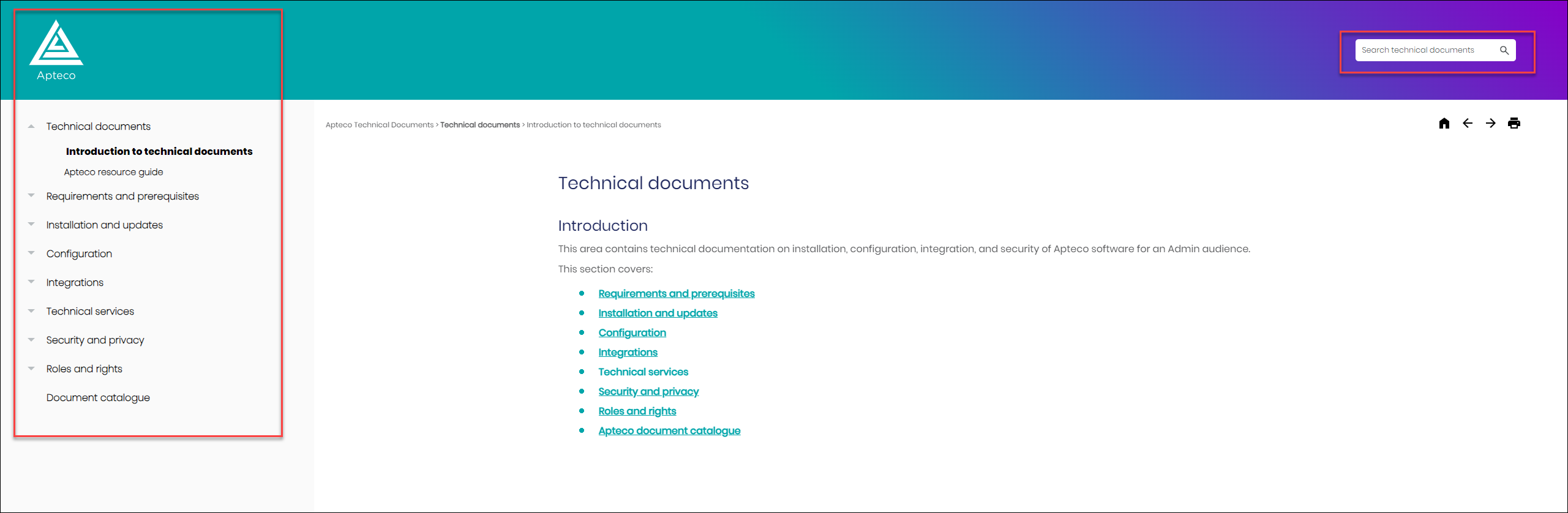
Home icon and side navigation menu
We’ve aligned the Home icon and side navigation menu.
Body content centrally aligned
We’ve centrally aligned our main body text for a more modern help site experience.
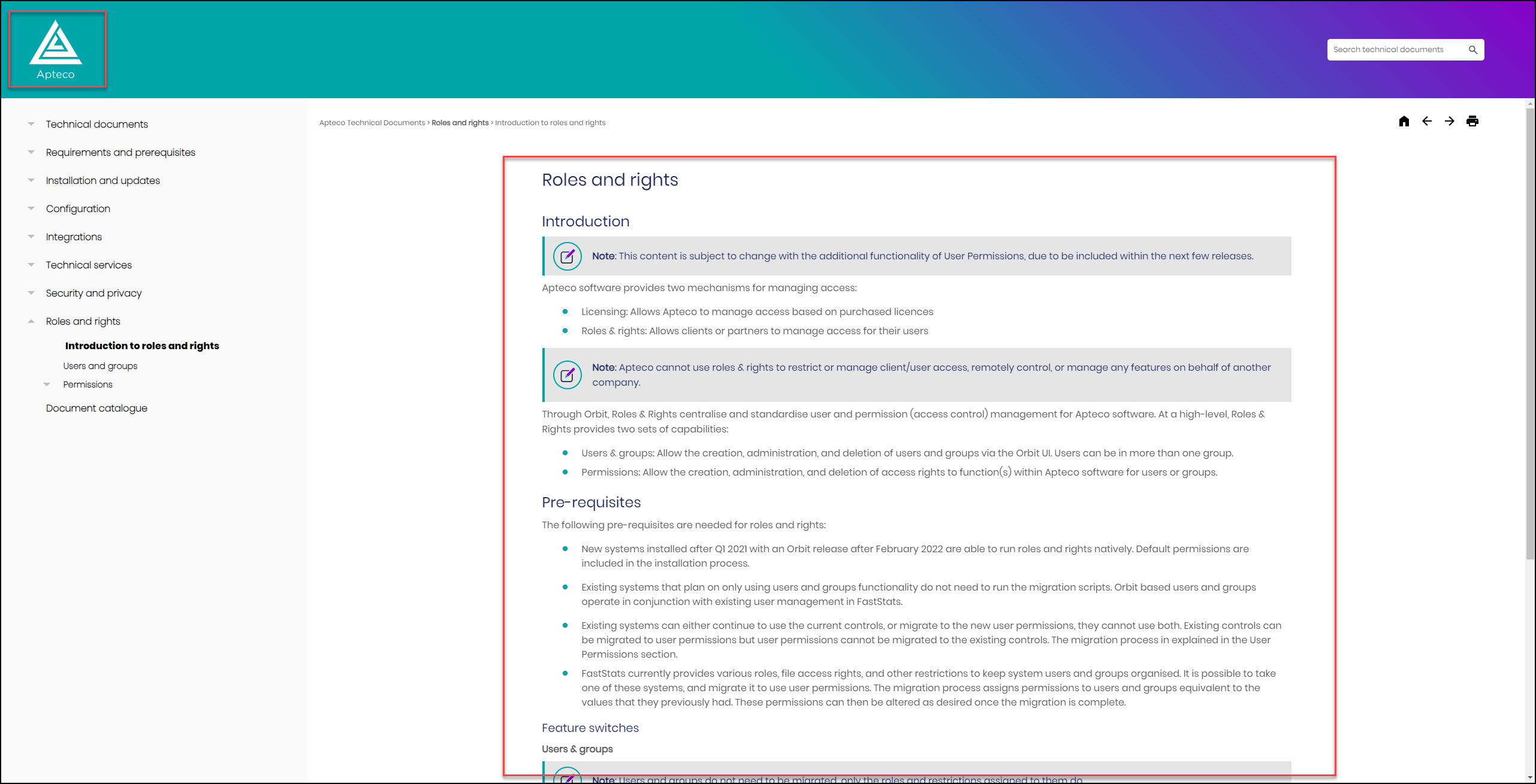
Body content maximum width
We’ve created a maximum width on our main body text to prevent text ‘run on’.