To log in to a remote FastStats system, the system must have been correctly configured to run using the FastStats.Net server side architecture. For more information on this please see the FastStats Technical Guide.
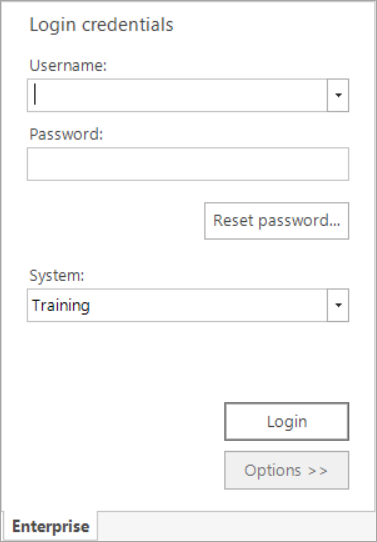
You will have been provided with a version of FastStats that is configured to connect to the FastStats system over the network. You may have a choice of systems that you can log into. You can select which one you would like by choosing from the drop down list labelled System (to choose, press the down arrow to the right of the text box). If the System list-box is empty, you will be able to type in the name of your system.
You will then need to enter a username and password to log into the system. These will have been provided by your FastStats Administrator.
Once this information has been entered, press the Login button.
If the Options >> button is not disabled, you will also be able to change which FastStats WebService you can connect to. This information is provided by your FastStats Administrator. If you are unsure as to what this means, please do not edit this setting and seek support.
Logging in to a Local FastStats System