FastStats system configuration
Note
You must log in as an administrator to perform the following tasks.
Enabling the plugin
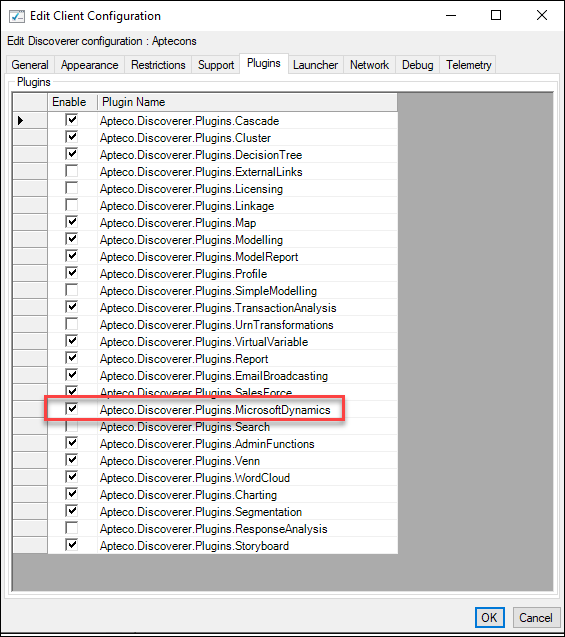
You must enable the Microsoft Dynamics wizard plugin before using the integration.
To enable the Microsoft Dynamics plugin with FastStats:
- Open the FastStats Configurator.
-
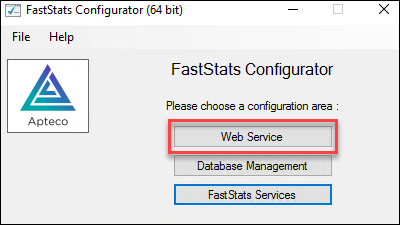
Select Web Service.
-
Select OK on the Web Service Chooser dialog box.

-
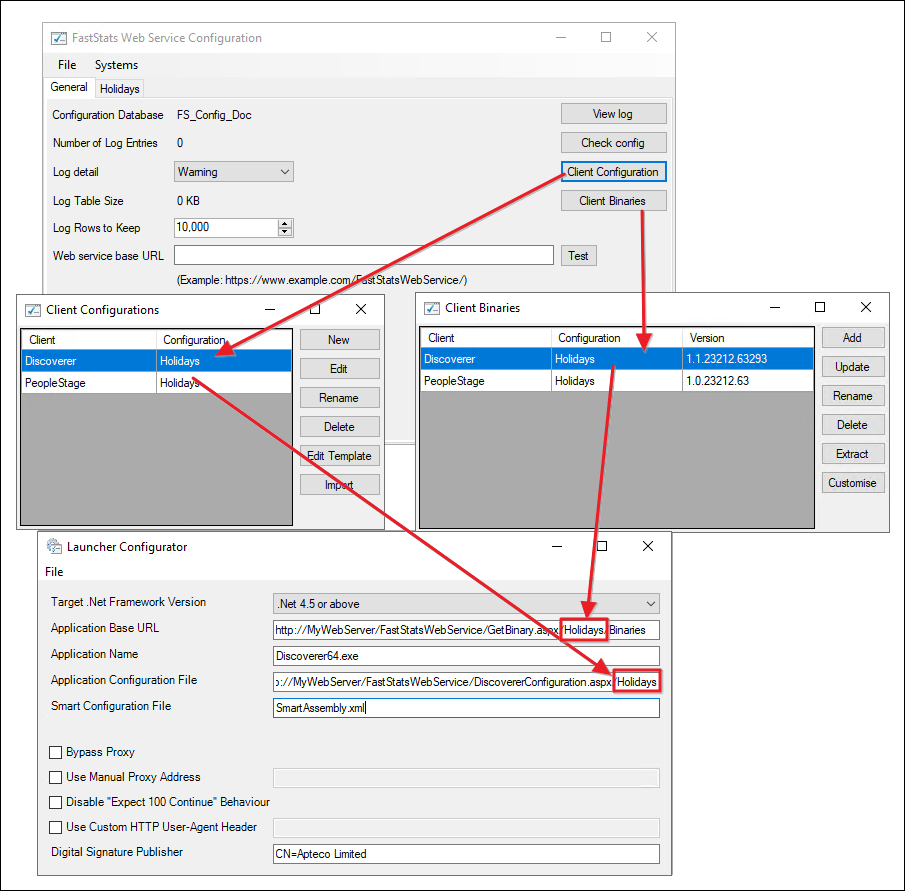
Select Client Configuration.
-
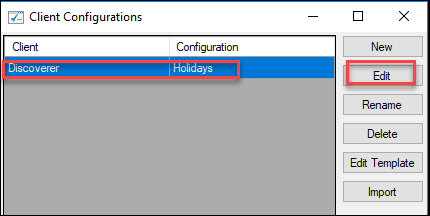
Select the Discoverer client associated with your system and select Edit.
-
On the Plugins tab, select the Apteco.Discoverer.Plugins.MicrosoftDynamics check box, then select OK.