To log into Apteco FastStats, start up the application by clicking on the shortcut icon  on your Desktop, or navigate via your Windows Start menu.
The application's loading screen will display as FastStats loads into memory and then the login screen will appear. Depending on how you are running FastStats, you will see a slightly different login screen.
If you see the following screen with an Enterprise tab, then you are logging in remotely:
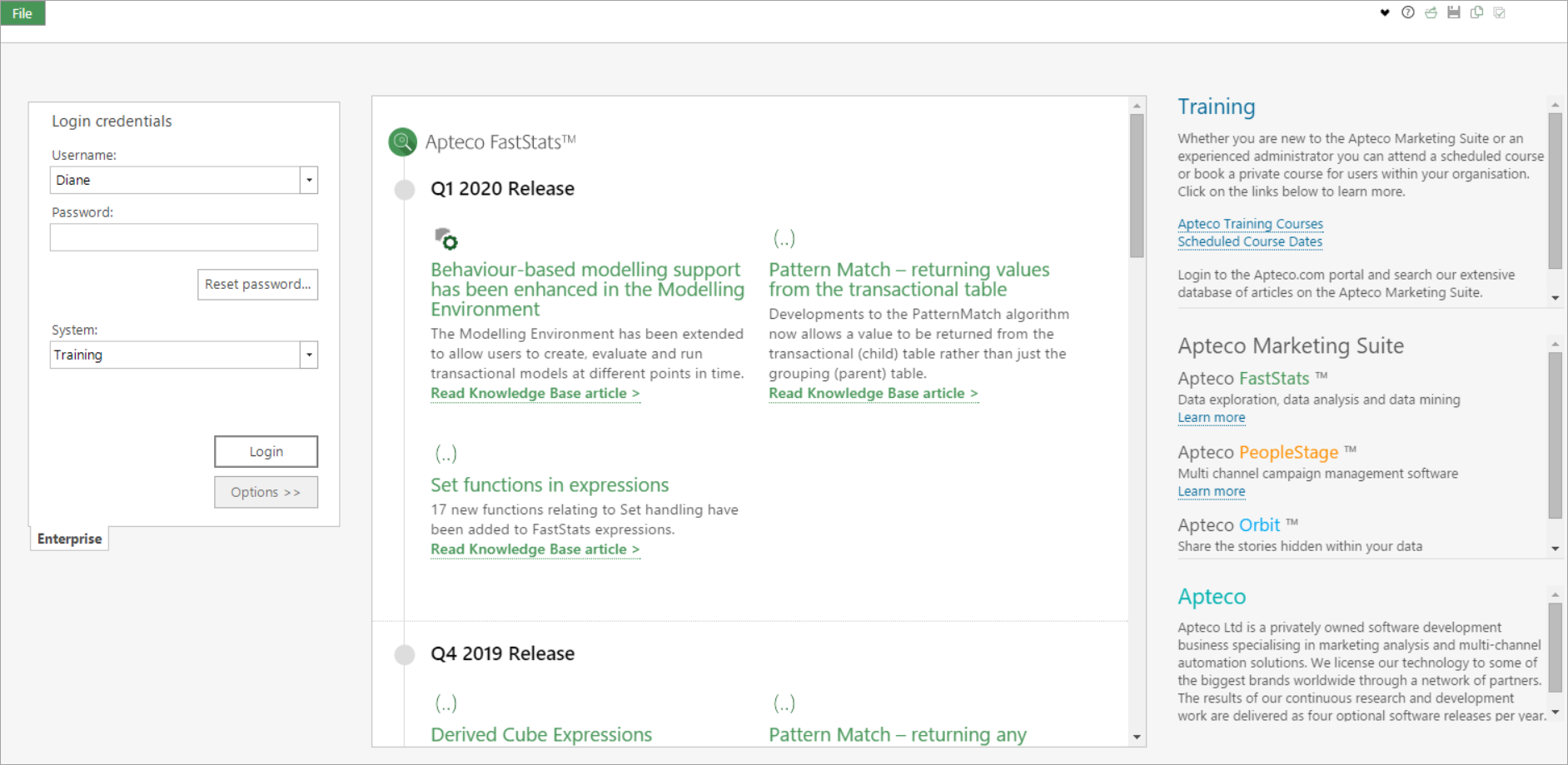
If you see the above screen with just a Local tab, then you are logging in locally or, in some cases, both the Local and Enterprise tabs will be present meaning that you can log in either remotely or locally.
Logging in to a Local FastStats System
Logging in to an Enterprise FastStats System