PeopleStage channels
PeopleStage uses channel definitions to determine the use of different delivery mechanisms.
To configure a Twitter channel, open PeopleStage and select File > Administration > Channel Editor, then select Add Twitter Channel.
Note
If you have updated an existing system via the FastStats Configurator, Social Channels may not be visible in the PeopleStage Library. A user with Admin permissions must select the Table Definitions tab, then select the Campaignable check-box for Social Channels.
Direct Tweets channel
The Direct Tweets channel publishes tweets directly to a Twitter Handle.
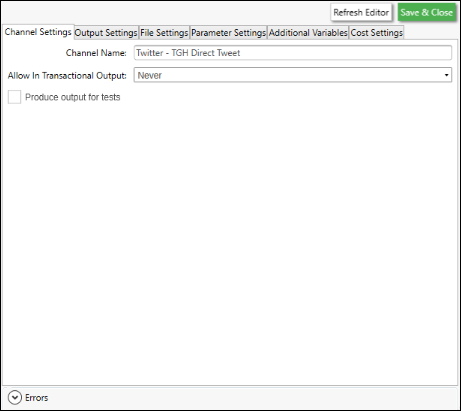
Select the Output Settings tab:
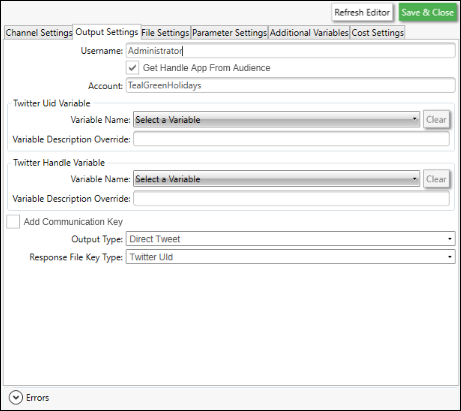
Enter a descriptive Channel Name and complete the required fields:
| Field | Description |
|---|---|
| Username | The FastStats username that uses this channel to publish tweets |
| *Handle | Twitter Handle name (also used as the Social Audience name in PeopleStage). PeopleStage publishes new tweets to this Handle |
| *App | Twitter App name |
| Twitter UID: Variable Name | The FastStats variable holding Twitter UIDs |
| Output Type | Set to Direct Tweet |
| Response File Key Type | Defines the key field for response matching. FastStats supports Twitter UID only |
Note
The spelling of App and Handle must exactly match the corresponding names in FastStats and the Twitter Handle/App. Incorrect spelling causes publishing to fail.
Adverts channel
The Adverts channel activates pre-defined Ad Groups/Ads or retriggers existing ones, and uploads a custom audience.
Select Add Twitter Channel, then select the Output Settings tab:
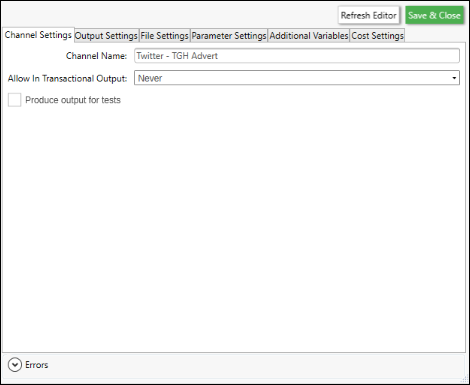
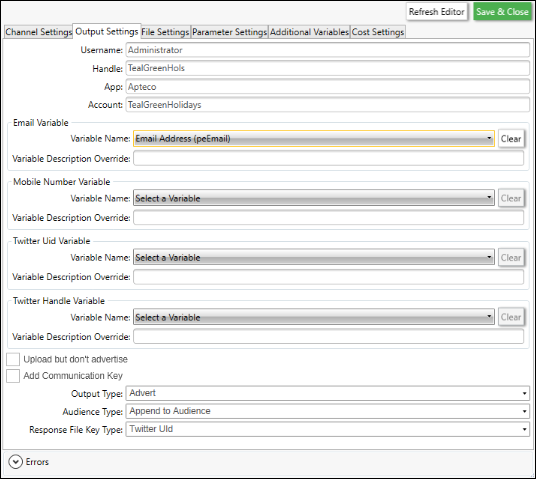
Enter a descriptive Channel Name and complete the required fields:
| Field | Description |
|---|---|
| Username | The FastStats user who generated the token |
| Handle | Twitter Handle name: must have access to the Twitter Ads account |
| App | Twitter App name (either Apteco or your own App name) |
| Account | Twitter Ads account name, exactly as it appears in Twitter Ads |
| Email: Variable Name | The FastStats email variable used for Twitter audience matching |
| Output Type | Set to Advert |
| Audience Type | Dated Audience, Overwrite, or Append |
| Response File Key Type | FastStats supports Twitter UID only |
Preparing a Twitter Ads account
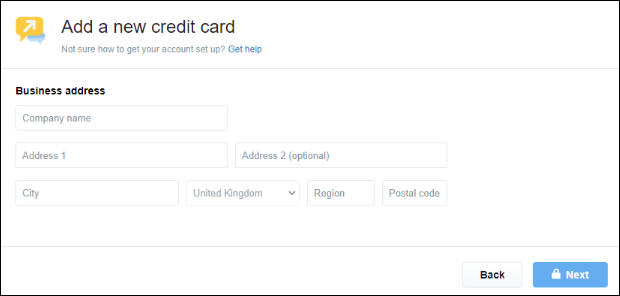
In the Twitter Ads Manager, make sure you've set up payment details. You need at least one campaign, Ad Group, and Ad configured before using the Adverts channel.