Account approval and message templates
Account approval
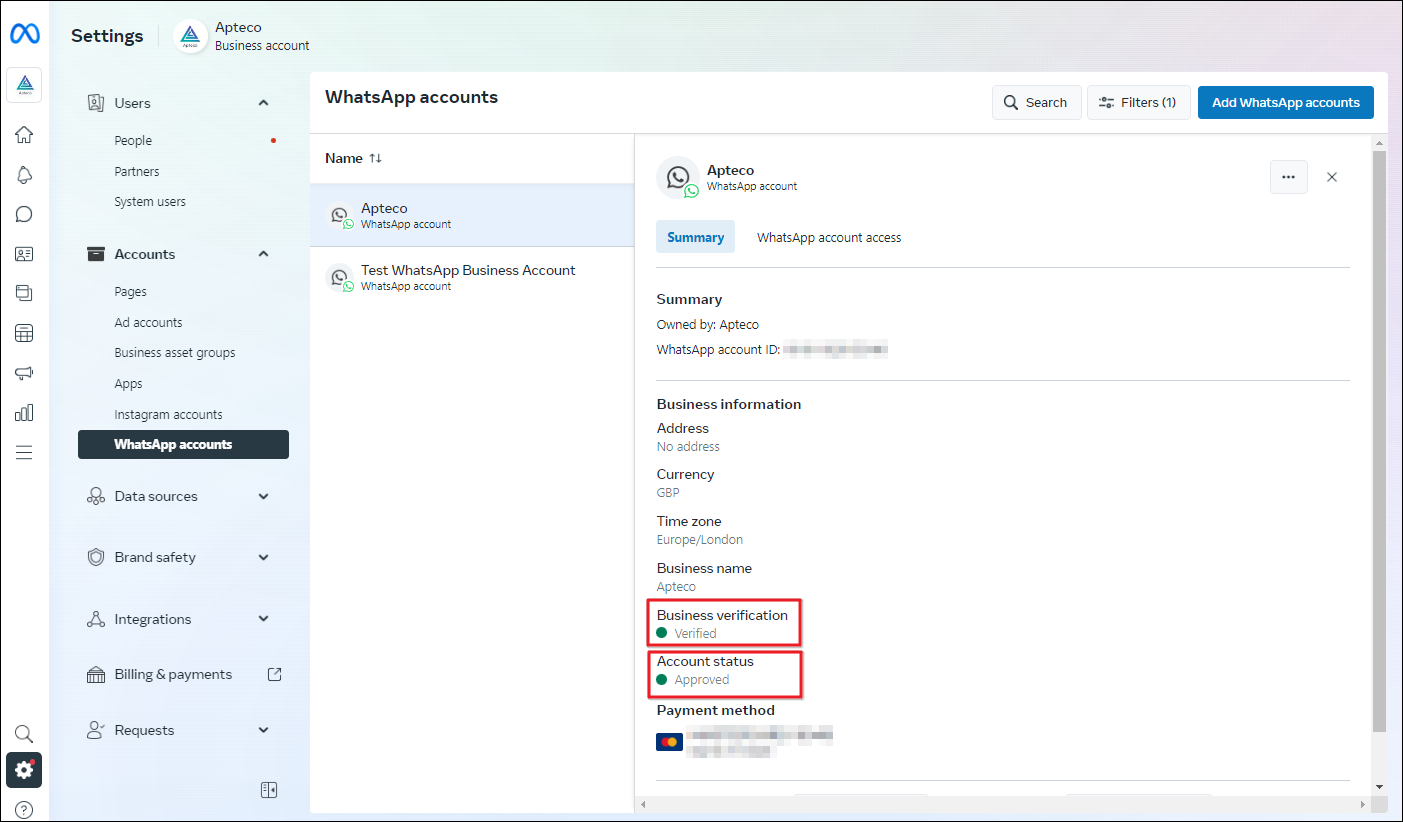
In the Business settings in Meta, the WhatsApp accounts will need to be Business Verified and Account Approved.
Connect your phone number to your account
Meta must approve the phone number you use for the WhatsApp Business Integration.
See the Meta Help for connecting your phone: How to Connect Your Phone Number to Your WhatsApp Business Account.
Meta also supplies a Test number that you can use for testing, such as testing a message template.
Once Meta approves the phone number, you can update the Profile and add a Profile photo.
Message templates
Meta provides several example message templates. Meta must approve each template that you create. Apteco only supports the Marketing template type for WhatsApp.
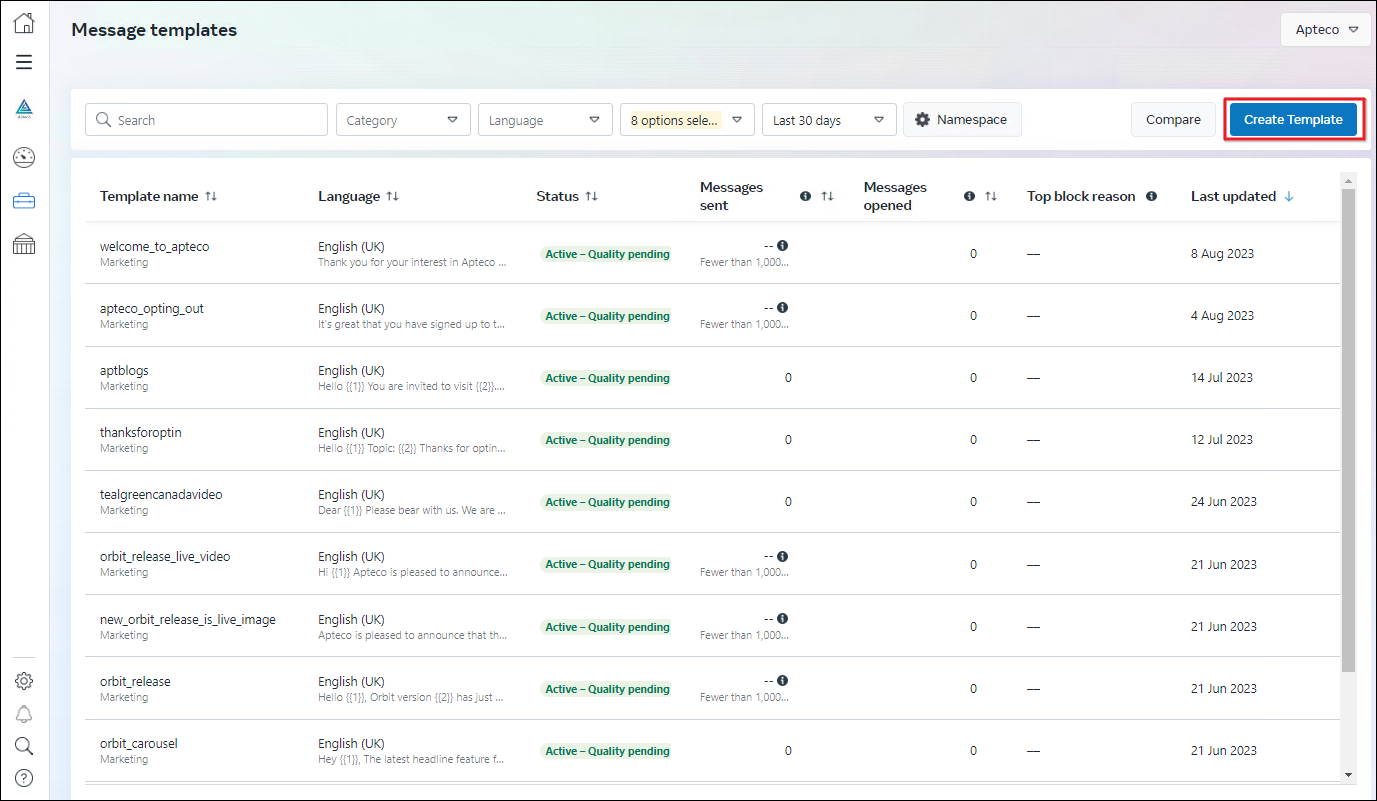
See Meta's help content for creating templates: Create message templates for your WhatsApp Business account.