Configuring the Orbit web application
Note
You should make a backup of any web.config files before starting. If this is a fresh install, you may not have any settings or web.config files set up for Orbit. For existing Orbit installations, you may have a web.config file in the Orbit folder that the installer configures.
URL rewrite/redirect rules
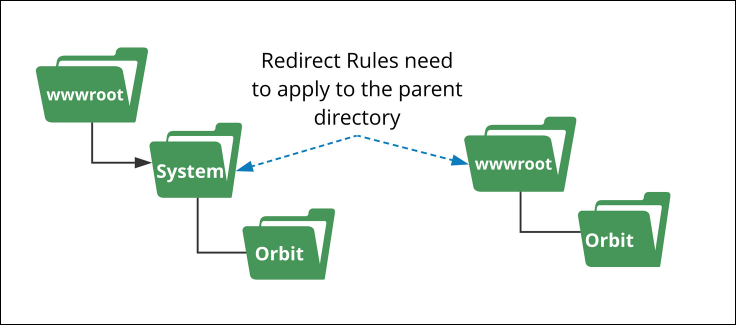
You must apply three redirect rules at the parent node in IIS. The installer sets the Orbit node rules automatically.
Overview
Orbit parent node (redirect rules), viewed in the IIS console URL Rewrite panel after completed setup:

The three parent node rules are:
- Orbit: compensate for no courtesy redirect maps from the directory name without a trailing slash to the default document. This compensates for disabling default documents in the Orbit directory (which also disables courtesy redirects).
- Orbit: compensate for no courtesy redirect with slash maps from the directory name with a trailing slash to the default document.
- Orbit: handle lowercase versions of URLs redirects lowercase URLs to their uppercase equivalents. Must be a redirect (not a rewrite) to avoid confusing Angular.
Orbit node (rewrite rules), viewed in the IIS console after setup:

The first three rules inherit from the parent directory. You configure the last at the Orbit directory level.
Note
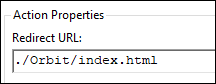
The rule Orbit: redirect non-language deep links to default language sets the language for non-language deep links, which defaults to en. To change the default language, edit this rule and change the Redirect URL to ./de/{R:2}, ./en-AU/{R:2}, ./en-US/{R:2}, or ./nl/{R:2} as appropriate.
Setting the parent folder URL redirect rules
Open IIS Manager and navigate to the Orbit UI installation virtual directory, Orbit Parent node (this could be the Default Web Site root).
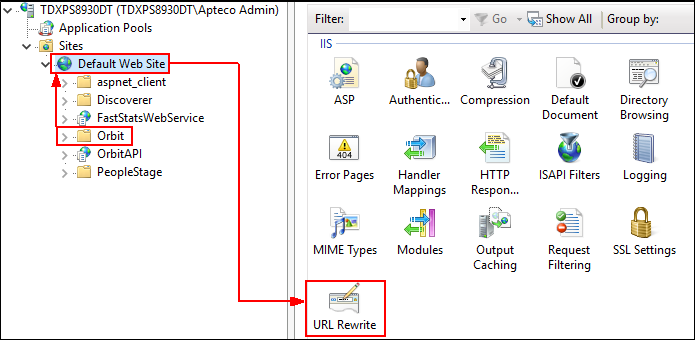
- Open the URL Rewrite module and select Add Rule(s)… from the Actions panel, then select Blank rule and select OK.
Orbit: Compensate for no courtesy redirect
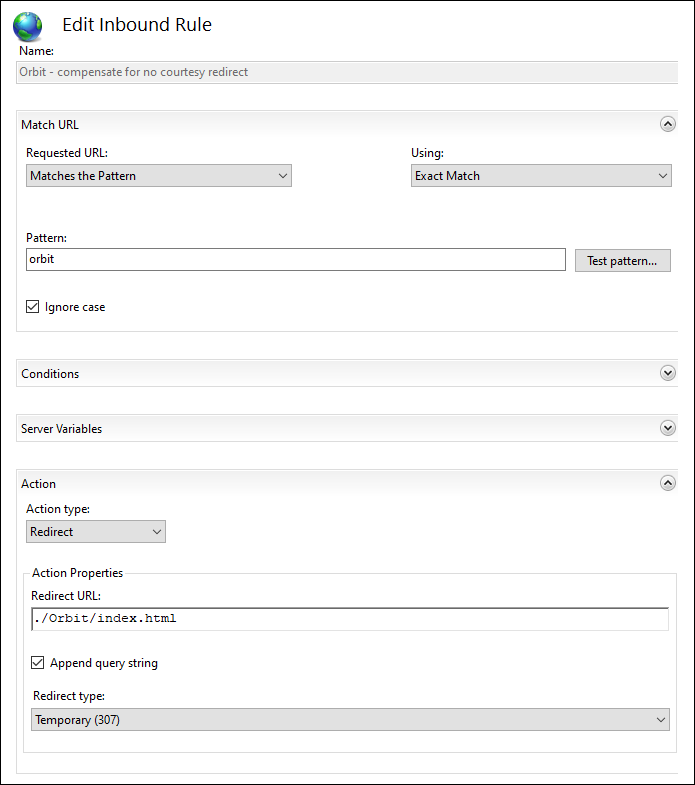
| Field | Value |
|---|---|
| Name | Orbit – compensate for no courtesy redirect |
| Using | Exact Match |
| Pattern | orbit |
| Ignore case | Selected |
| Action type | Redirect |
| Redirect URL | ./Orbit/index.html |
| Append query string | Selected |
| Redirect type | Temporary (307) |
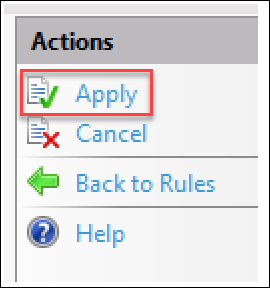
- Select Apply from the Actions panel, then add another rule: Add Rule(s)… > Blank Rule > OK.
Orbit: Compensate for no courtesy redirect with slash
Create a copy of the previous rule with a trailing slash in the pattern:
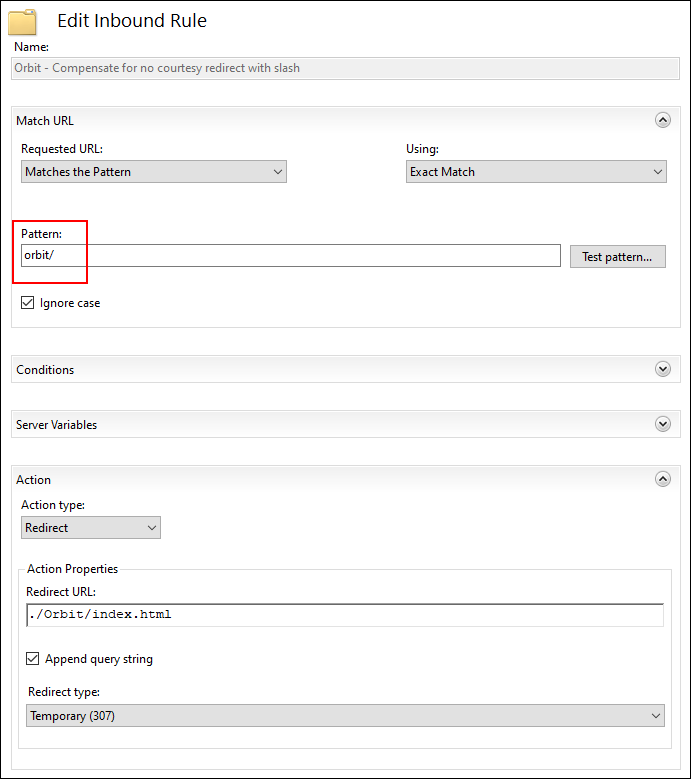
| Field | Value |
|---|---|
| Name | Orbit – compensate for no courtesy redirect with slash |
| Using | Exact Match |
| Pattern | orbit/ |
| Ignore case | Selected |
| Action type | Redirect |
| Redirect URL | ./Orbit/index.html |
| Append query string | Selected |
| Redirect type | Temporary (307) |
Orbit: Handle lowercase versions of URLs
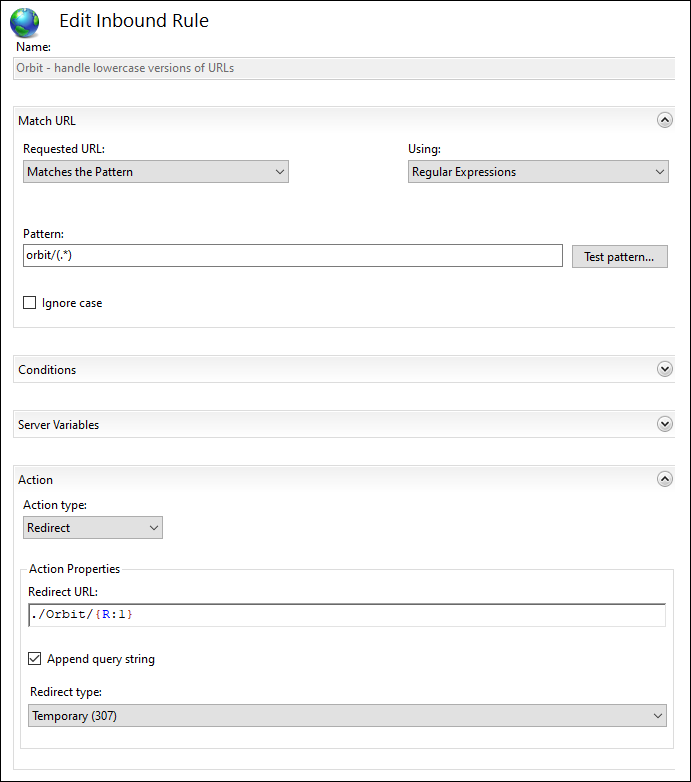
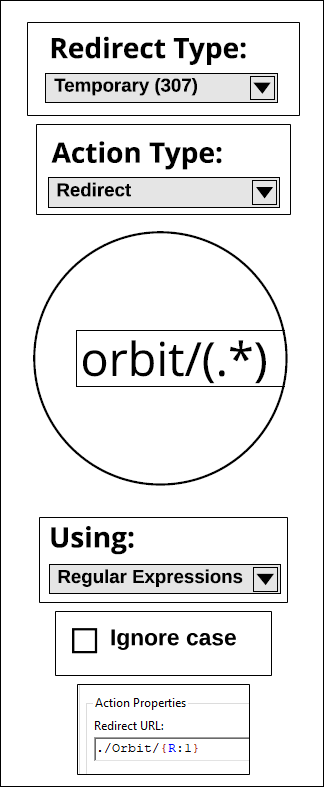
| Field | Value |
|---|---|
| Name | Orbit: Handle lowercase versions of URLs |
| Using | Regular Expressions |
| Ignore case | Deselected |
| Pattern | orbit/(.*) |
| Action type | Redirect |
| Redirect URL | ./Orbit/{R:1} |
| Append query string | Selected |
| Redirect type | Temporary (307) |
Select Apply from the Actions panel.
MIME types
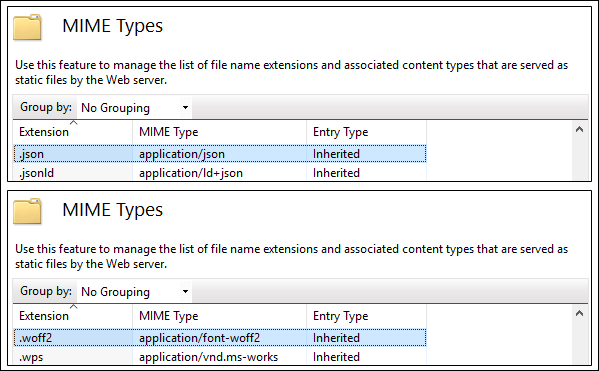
The Multipurpose Internet Mail Extensions (MIME) type tells IIS how to serve a file. Using the IIS Management Console, map .json and .woff2 files to the appropriate MIME types for this directory or one of its parents. The appropriate types are application/json and application/font-woff2.