Workspaces
You can group your resources such as Dashboards, Audiences, Campaigns, and Collections into a workspace to make them easy to find, use, and update.
With workspaces you can:
- See all your resources in one place
-
Organise your resources in a meaningful way
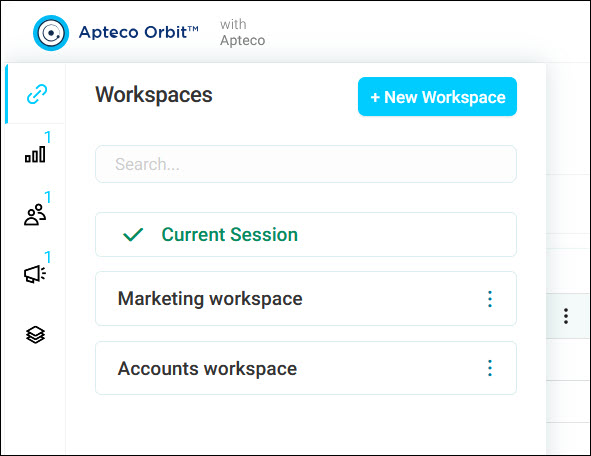
The workspaces menu is at the top left of your screen.
Note
Your administrator may have turned off one or more of the following features: Dashboards, Audiences, Campaigns, or Collections. Any turned-off features won't appear in the workspaces menu or top navigation area.
Temporary session workspace
Orbit automatically creates a temporary workspace for your current session, shown as Current Session alongside your saved workspaces. Any dashboard, audience, or campaign you open during the session gets added to it. This lets you navigate back to items you've viewed or edited without needing to find them again.
Unlike a workspace you create yourself, a session workspace isn't saved. It ends when you log out.