Audiences
Info
Audiences now have a grid and list view toggle for browsing and managing your items. See Manage your audiences.
An audience is a group of contacts built from your data, using includes, excludes, and behaviours. Use audiences to define and target specific groups for your marketing campaigns and analysis.
Every audience opens as an audience workbook. Alongside the audience itself, you can add pages of tools and solutions to analyse, visualise, or export it. See Audience workbooks.
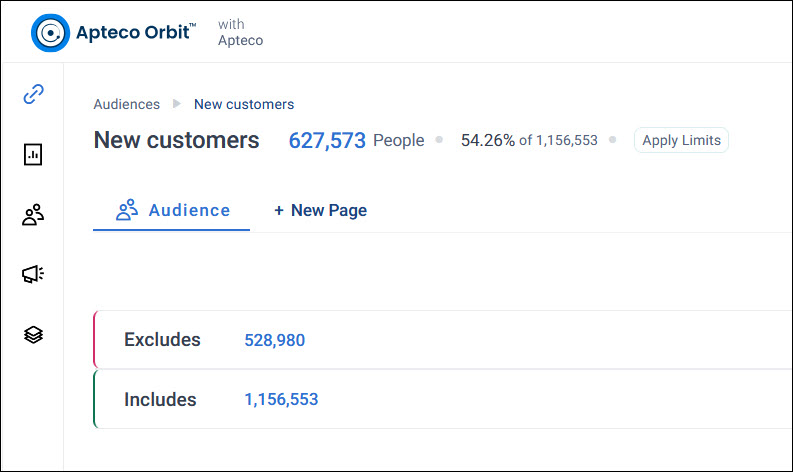
You can use audiences to:
- Build an audience with includes and excludes, and combine filters to match your brief
- Check and analyse it with cubes, charts, maps, and data grids, and find look-alikes for it
- Export it to a file, an FTP site, or a channel
- Manage your audiences, and share them with view or edit access
Accessing audiences
To open the Audiences screen, select Audiences at the top of your screen.
