Permissions
Note
Before using permissions, you'll need to turn them on via your Database Management menu. Contact the technical services team for assistance with this process.
This section details the granular level of access control that an administrator (admin) can apply via profiles to permissions. It covers the entire suite of Apteco software.
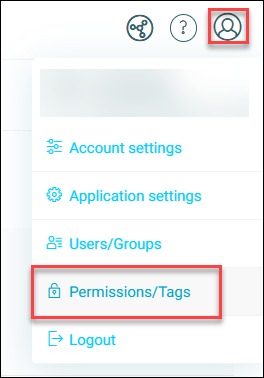
About permissions
Permissions let a system administrator (admin) control which parts of an Apteco software installation a given profile (user, group, or system) can access.
Once applied, permissions grant Create, Read, Update, Delete (CRUD) access privileges to the profiles they're assigned to.
Note
Orbit turns off permissions by default. You must switch them on globally to enable admin control. They're also reversible, so you can undo any permission applied in error, or turn permissions off completely.
Comparing permissions, licensing, and sharing
Before understanding permissions, it's important to distinguish what exactly permissions control. An important distinction to make here is between permissions, licensing, and sharing.
- Permissions: Controlled by admins and grant access to Apteco resources (features and functionality). Permissions don't let admins control licensing or sharing.
- Licensing: Controlled by Apteco, and manages access to Apteco software.
- Sharing: Controlled by users, and manages sharing of data via assets such as dashboards, audiences, and campaigns.