Deploying a system
When you have built a system, you can then deploy it.
Note
You can also schedule a system build to deploy automatically. See Scheduling a system build.
To deploy a system:
-
Find your system, either from a successful Build Progress page (see Building a system) or from the System Builds page.
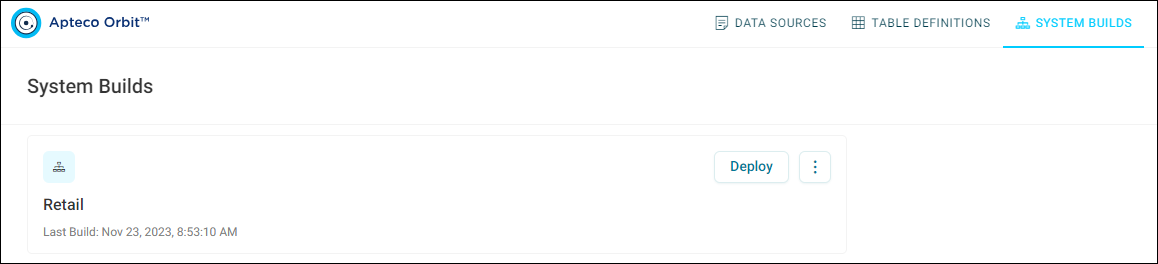
The last build time is displayed and if there has been an issue, this is shown too.
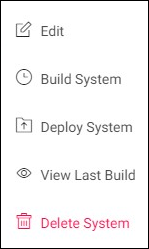
More options are available from the system's option menu.
-
Select Deploy System.
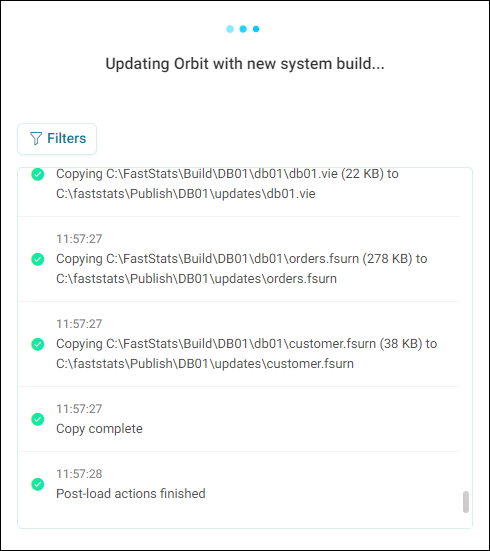
You are automatically redirected to the deployment progress page.
This page updates automatically. You can filter the messages shown in the same way as on the Build Progress page.
While the deployment is in progress:
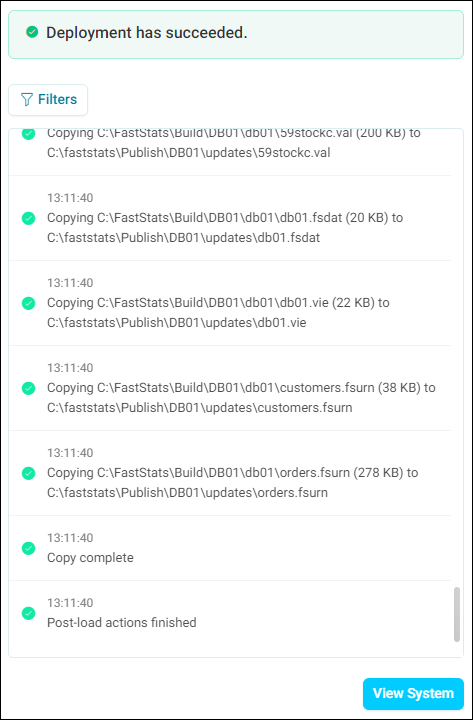
When the deployment has succeeded:
-
When the deployment has completed successfully, a View System button appears. Select it to open the system. You can now use this system for dashboarding, analysis and campaigning in Orbit.
Review your system
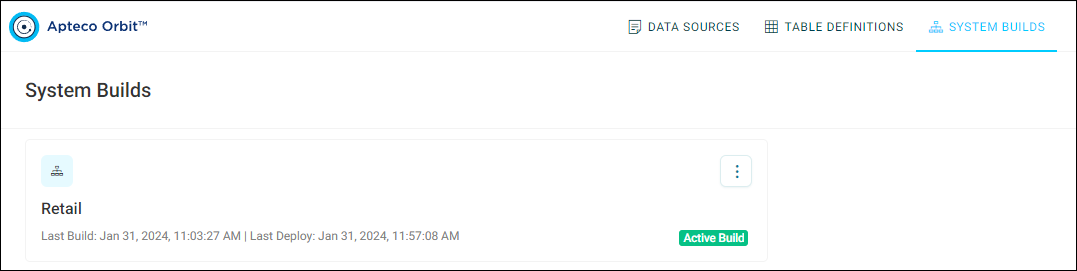
Returning to the System Builds page now displays the last deployment time in addition to the last build time.