Audience workbooks
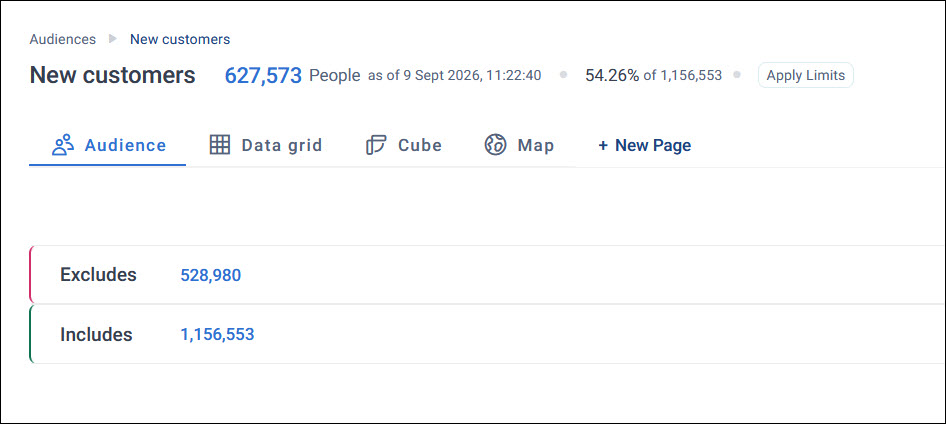
When you open an audience, it opens as an audience workbook. The workbook always starts with an Audience tab, the group of contacts you've built using includes and excludes.
Alongside the Audience tab, you can add pages to build out your workbook, similar to tabs on a dashboard. Each page gives you a tool to analyse, visualise, or export your audience.
Adding a page
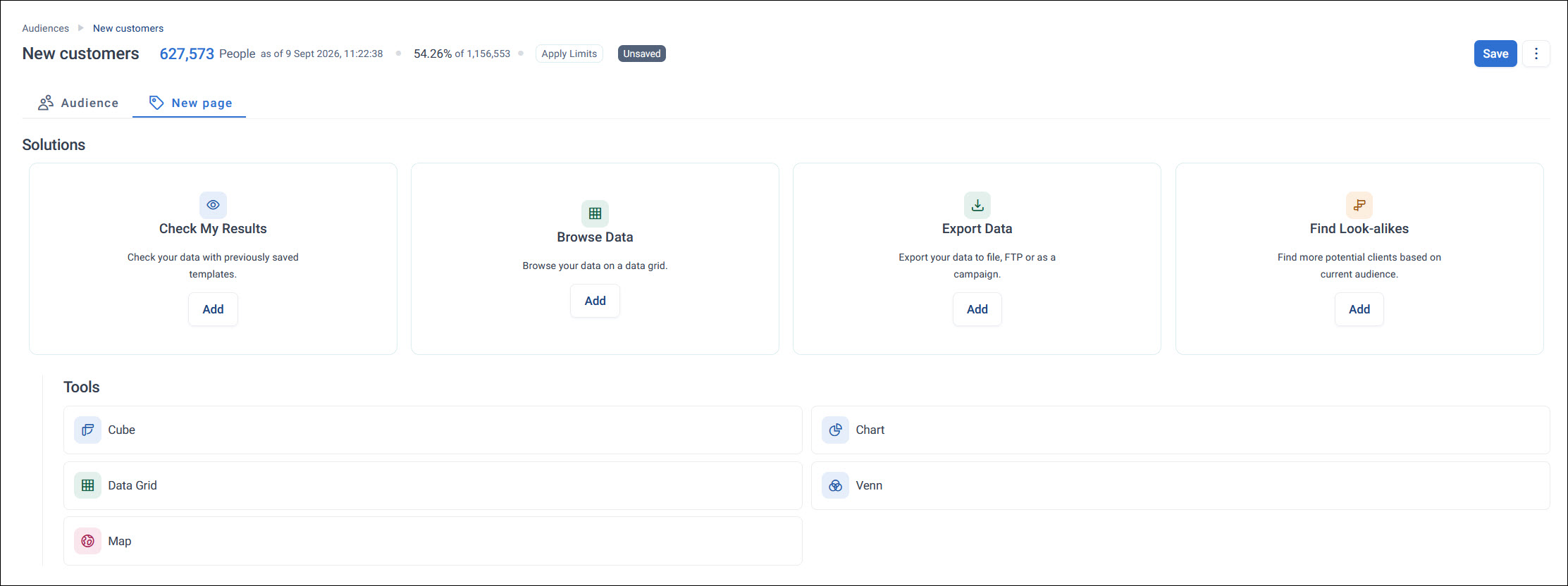
Click + New Page to choose a tool for your new page:
- Solutions: guided starting points, such as Check My Results, Browse Data, Export Data, and Find Look-alikes
- Tools: Cube, Chart, Data Grid, Venn, and Map
Many of these tools are also available as dashboard tiles, with the same visualisation and configuration options. See Tiles for how they work.
Managing an audience workbook
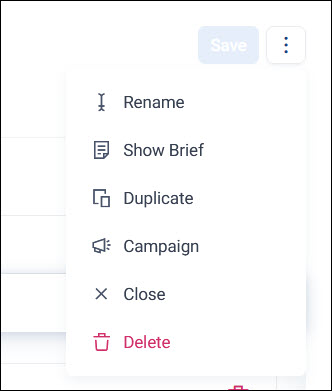
Click the options menu on a page's tab to:
- Rename: rename the page
- Show Brief or Hide Brief: show or hide a brief panel alongside the page, for reference while you work
- Duplicate: create a copy of the page
-
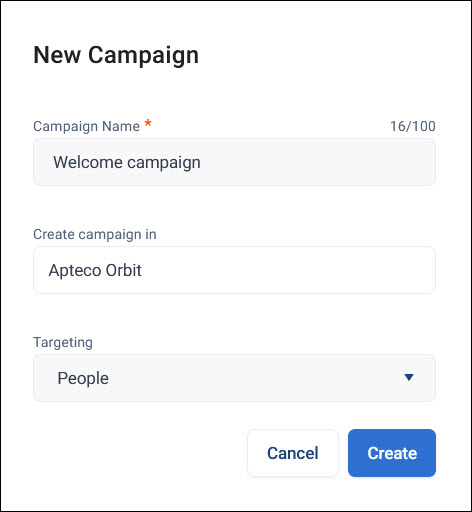
Campaign: create a new campaign from the page, setting a campaign name, the product to create it in, and its targeting
-
Close: close the page
- Delete: remove the page
For how to build the audience itself, see Building an audience.