Favourites
You can save and re-use your preferred visualisations by selecting the Favourite button.

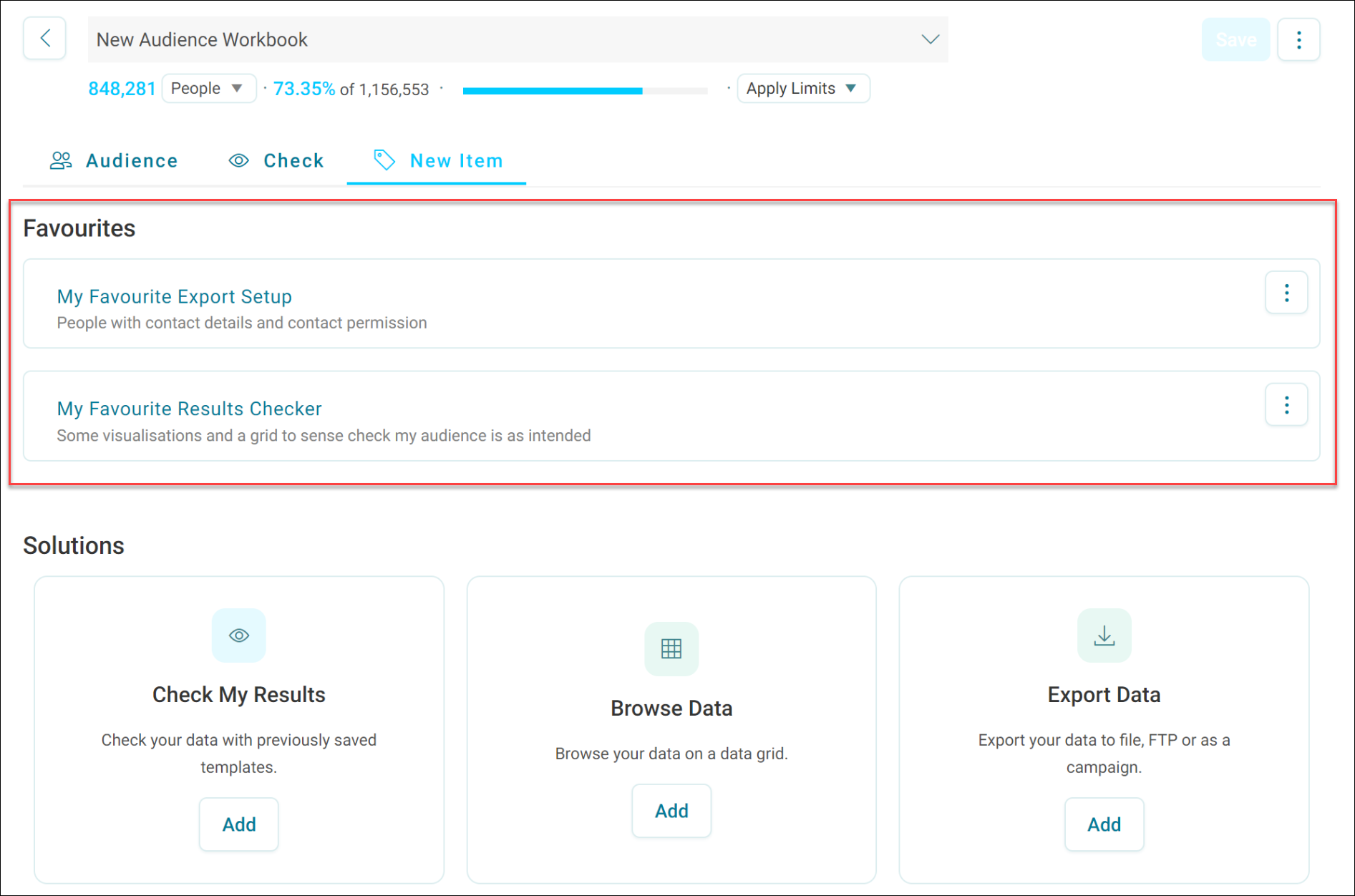
You can then reach these favourites via the favourites sub menu on the new item page. You can select one of your favourites for re-use from here.
Points to note when saving and re-using visualisations:
- You can share favourites with others
- You can find saved favourites on the New Item page
- When you mark a visualisation as a favourite, Orbit saves its settings for future use with different audiences
- You can reapply settings like column configurations in a data grid, or dimensions and measures in a cube, using favourites
- To reuse a favourite, select it. Orbit creates a new item with the saved settings in the current audience