Category colours
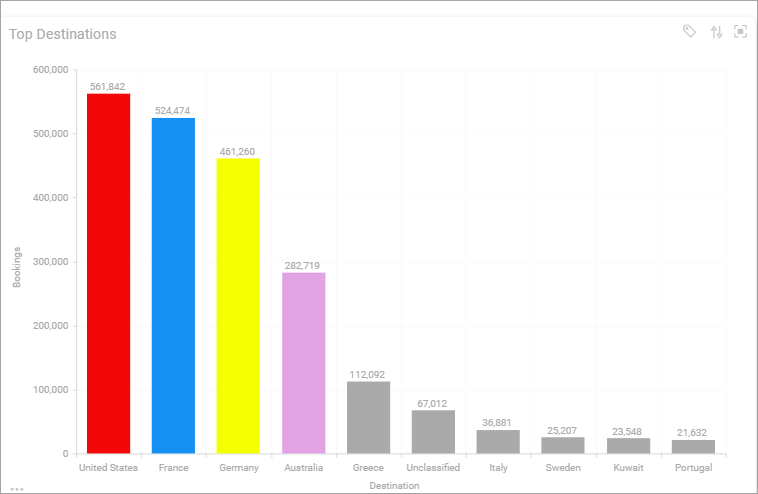
You can give the categories of a FastStats selector variable their own colours. A brand, product, or region then has the same colour throughout your dashboards.
Note
You need admin permissions to see Application Settings in the user menu.
Define category colours
You set category colours for each FastStats system in a DataView. On the Category Colours tab, you can search for a variable or a specific category.
To define category colours:
- Go to Application Settings > Category Colours.
-
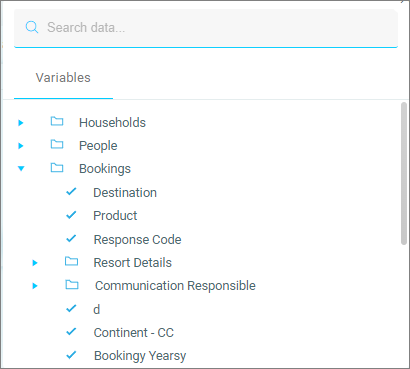
Select the Search data box.
-
Select a Variable.
- Select a Category.
- Specify the Colour for the category. You can also enter a hex colour code, such as
#e2a3e4. - Repeat until you've defined all your category colours.
- Select Save, then view the result on your dashboard.