Home settings
Use Home Settings to control what appears on the Orbit homepage.
To open Home Settings:
- Select your avatar in the top right.
- Select Application Settings > Home Settings.
System build
Choose whether the top right of the homepage welcome area shows your system name and build date.
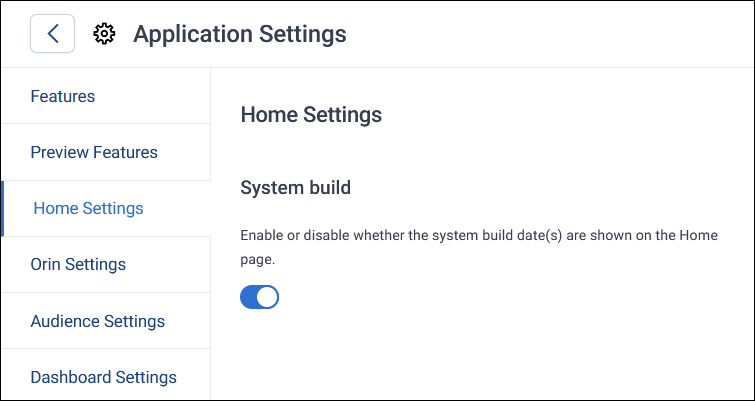
To show or hide the system build:
- Turn the System build toggle on to show the system name and build date, or off to hide them.
- Select Save.