Dashboard settings
These settings control how filters work on dashboards.
Auto Filter
The default value of on updates the dashboard results each time a user applies a filter. If turned off, a user can build a filter up from different tiles and then apply (or cancel) the filter when they're ready.
Use the slider to switch this feature ON or OFF, and select Save.
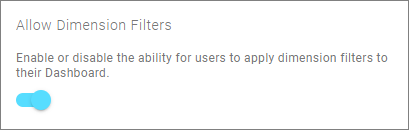
Allow Filter By Dimension
Enable or disable the ability for users to apply dimension filters to their dashboard.