Look-alikes variables
When users find look-alikes for an audience, Orbit tests the variables you choose here, to find the ones that best describe the audience. Users can't find look-alikes until you've chosen at least two. Until then, they see the message Solution is not available, Contact your administrator to set up variables.
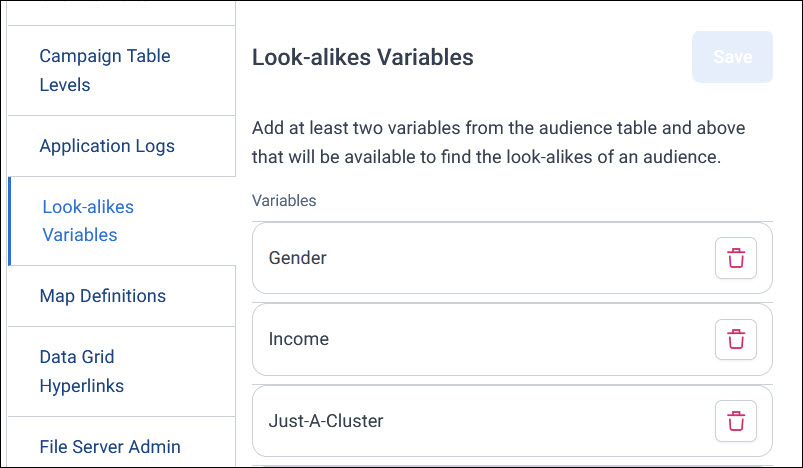
Choose look-alikes variables
Choose variables that might describe the kind of people you want more of, such as demographics, segments, or how they first came to you.
To choose look-alikes variables:
- In Application Settings, select Look-alikes Variables.
-
Add at least two variables. They must come from the audience's table or a table above it, such as People or Households.
-
Select Save.
To remove a variable, select its bin icon, then select Save.