Tile types
The tiles section of the Tile Editor includes all the dashboard tile options made by Apteco.
Options currently include:
Basic
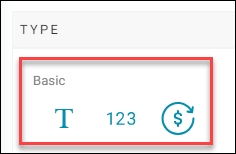
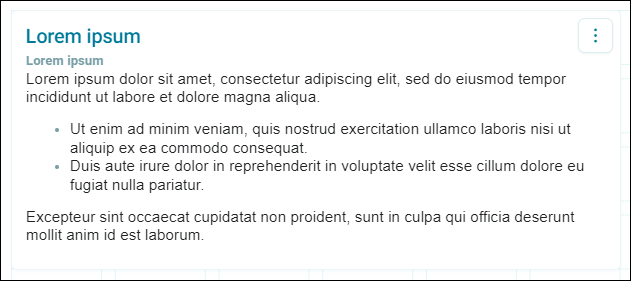
Text tile
Add free text to provide context to the dashboard. See Text tile.
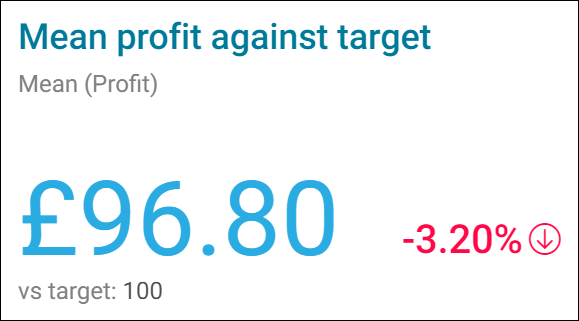
Number card
Display a single value either as a count or as a calculated aggregation. See Number card tiles.
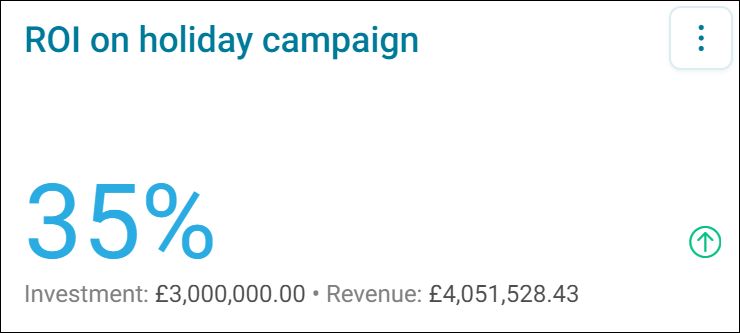
ROI number card
ROI number card visualisations calculate and display the ROI for a given investment amount, with revenue defined by a measure or calculated measure. See ROI number tiles.
Single dimension charts
Single dimension charts display one dimension and one measure, such as column, bar, pie, donut, line, area, radar, and funnel charts. See Single dimension charts.
Table
Table tiles display one dimension and multiple measures as a sortable list. See Table tiles.
Maps
Map visualisations display categorical data by region, such as UK, NL, DE, CH, and AU postal or municipality maps, and a US states map. See Maps.
Multi dimension charts
Multi dimension charts display multiple dimensions and measures on a chart to compare categories, such as clustered, stacked, 100% stacked, and combo column, bar, line, and area charts. See Multi dimension charts.
Cube
Cube tiles display two dimensions and one or more measures as a pivoted table. See Cube tiles.
Venn
Venn diagrams show how up to five sets of data interrelate, useful for segmenting data into target groups. See Venn diagrams.
Data grid
Data grid tiles display individual records in a table you can sort, filter, and search. See Data grid tiles.
Pareto
Pareto tiles apply the 80/20 rule to identify your best-performing categories or customers. See Pareto.
Profile
Profile tiles compare a target audience against your broader customer base to identify distinguishing characteristics. See Profile tiles.